Sales Automation Platform: Boosting Productivity at Scale

Quick Summary: Sales automation replaces spreadsheet-heavy follow-up with repeatable lead lists, enrichment, routing, and multichannel sequences, freeing reps to focus on selling. It typically improves touches per rep, speed-to-lead, and admin time first, then lifts reply rates, meetings, and pipeline coverage. Choose carefully by weighting workflow fit, integrations, data control, total cost, and support, then run a real-team pilot because demos and sticker prices hide adoption problems, hidden fees, and weak deliverability.
Give a rep 200 targeted accounts and a spreadsheet of follow-up dates, and she'll burn a full selling day each week just updating cells. The fix isn't hustle; it's a sales automation platform. This guide shows how a well-chosen sales automation platform cuts that admin work, what a strong one must do, and how to score vendors with a weighted rubric before you commit.
A sales automation platform turns manual outreach work into repeatable workflows. Instead of updating a spreadsheet of follow-up dates, your team builds lists, sequences, and reply rules once, then lets the system run them at scale.
Core Capabilities: List Building, Enrichment and Routing
First, the platform finds and qualifies prospects. It pulls accounts from sources like LinkedIn or company databases, fills in missing emails and phone numbers with data enrichment, and routes each record to the right rep or cadence. Good routing also deduplicates records so two reps never pitch the same account.
Multichannel Sequencing Across Email, LinkedIn and WhatsApp
Next, it sends follow-ups in a fixed order: an email on day one, a LinkedIn touch on day three, a call task after that. If a prospect replies, the sequence stops so nobody gets spammed. Tools like Lemlist and Smartlead cover parts of this; AgentSDR bundles email, LinkedIn, WhatsApp, and an AI-powered CRM in one self-hosted workspace. The payoff is simple: more touches per rep, with fewer dropped conversations.
Which Metrics Improve With a Sales Automation Platform
Automation lifts two kinds of numbers first: raw activity and the speed of each touch. Reply quality and pipeline follow later, once sequences have data to learn from.

Activity and Efficiency Metrics That Move First
Touches per rep per day improve within weeks, because sequences handle follow-ups instead of memory or spreadsheets. Speed-to-lead improves too: reply within minutes rather than days, since only 23% of companies currently respond inside five minutes. Admin time drops as well, and organizations that automate typically free up about 20% of seller capacity.
Engagement and Pipeline Quality Metrics
Reply rates, open rates and positive-response share rise once timing and follow-up counts stop being guesswork. Reference a past interaction in a follow-up and response rates can jump by 62%. Meetings booked per 100 leads and pipeline coverage improve next, because cleaner data and CRM engagement analytics show which segments deserve more attention.
Measuring Impact: Baseline, Test and Report
Record four weeks of baseline numbers first. Automate one workflow, run it for a month, then compare the same metrics side by side.
Automate one channel at a time so you can prove what caused each lift.
How to Choose a Platform: A Weighted Evaluation Rubric
Score every tool against five weighted criteria: fit with your workflow (30%), integration depth (25%), data control (20%), total cost (15%) and support quality (10%). Weighting forces the tradeoffs into the open before a demo does it for you. If you weigh self-hosting options, the pros and cons of self-hosted outreach software deserve a close read first.
Deployment Models: Cloud, Hybrid and Self-Hosted

Deployment decides who holds your data and your budget. Cloud tools start fastest but bill per seat forever. Self-hosted platforms like AgentSDR cost more setup effort upfront, then cap costs and keep customer data inside your walls. Hybrid splits the difference: host sensitive data yourself, rent convenience elsewhere.
Integration, Enablement and Support Reality Checks
Integrations fail quietly, so test them. Push a real lead through the CRM, email tool and LinkedIn step before you sign. Then check support: response time, migration help and whether onboarding is included or billed. A cheap tool with slow answers gets expensive fast.
Tier 1: The Dominant Suites
These are the platform giants. They're excellent if you need broad marketing functionality beyond sales automation, but that breadth comes with cost and complexity. Think of them as the "everything" tools - powerful but potentially overkill.
| Platform | Best For | Starting Price | Key Strength |
|---|---|---|---|
| Salesforce | Enterprise sales orgs | ~$25/user/mo (Sales Cloud) | Massive ecosystem & customization |
| HubSpot | All-in-one marketing + sales | Free tier; ~$20/mo paid | Free CRM with generous features |
| Microsoft Dynamics 365 | Microsoft-stack companies | ~$65/user/mo | Deep Office/Teams integration |
Note: Salesforce and HubSpot pricing varies significantly by tier and add-ons. The prices above reflect entry-level paid plans as of 2024.
Tier 2: Sales-Focused Powerhouses
These platforms prioritize sales velocity and outreach efficiency over marketing breadth. If your team lives in pipelines, sequences, and deal-closing, this tier deserves your closest look.
| Platform | Best For | Starting Price | Key Strength |
|---|---|---|---|
| Outreach | Enterprise sales engagement | Custom pricing | Best-in-class sequences & analytics |
| Salesloft | Mid-market to enterprise sales | Custom pricing | Strong coaching & conversation intelligence |
| Apollo.io | Outbound prospecting teams | Free tier; ~$49/user/mo | Massive B2B database built in |
| Pipedrive | Small sales teams | ~$14/user/mo | Dead-simple pipeline management |
Tier 3: AI-Native and Specialized Players
This is where innovation is moving fastest. These tools treat AI as the core engine, not a bolt-on feature - and they're often dramatically cheaper for what they do.
| Platform | Best For | Starting Price | Key Strength |
|---|---|---|---|
| Clay | Data enrichment & outbound | Free tier; ~$149/mo | Aggressive AI research automation |
| Regie.ai | AI-powered sales messaging | Custom pricing | Generative sequence creation |
| Exceed.ai | Lead qualification at scale | Custom pricing | Conversational AI for lead nurturing |
| Lemlist | Cold outreach personalization | ~$39/user/mo | Image/video personalization at scale |
Quick decision shortcut: If you're under 10 salespeople, start with Pipedrive or Apollo. Between 10-100 seats, evaluate Salesloft or Outreach seriously. Above 100, Salesforce's ecosystem lock-in becomes a feature, not a bug.
What Actually Matters in Your Evaluation
Price lists lie. The sticker price tells you almost nothing about real cost of ownership. Here's what to dig into during any trial or demo:
- Per-seat creep: Many "affordable" tools charge separately for email credits, AI features, or API access. Model your true monthly cost at your actual team size.
- CRM sync quality: If it doesn't sync cleanly with your existing CRM, you're buying a data silo, not a productivity tool.
- Learning curve: Fancy features nobody uses cost the same as simple ones everyone adopts. Check G2 reviews specifically for onboarding complaints.
- Deliverability infrastructure: For outreach tools, ask directly about dedicated IPs, warmup protocols, and spam-rate monitoring. This is where cheap tools quietly destroy sender reputation.
Ask every vendor for a pilot with 3-5 of your actual reps for two weeks minimum. Real adoption data beats any demo.
The 30-Day Evaluation Sprint
Here's the framework I'd use if I were choosing today:
- Week 1: Shortlist 3-5 platforms using the tiers above. Eliminate anything without native integration to your existing CRM.
- Week 2: Run pilots with your actual team. Measure time-to-first-sequence, not demo satisfaction.
- Week 3: Stress-test edge cases - bulk imports, API limits, support response times, and what happens when you try to leave (data export quality).
- Week 4: Calculate true cost at 12 months including hidden fees and estimated admin overhead. Then decide.
The team that runs this sprint properly avoids the most expensive mistake in sales tech: buying the shiniest demo instead of the most durable workflow.
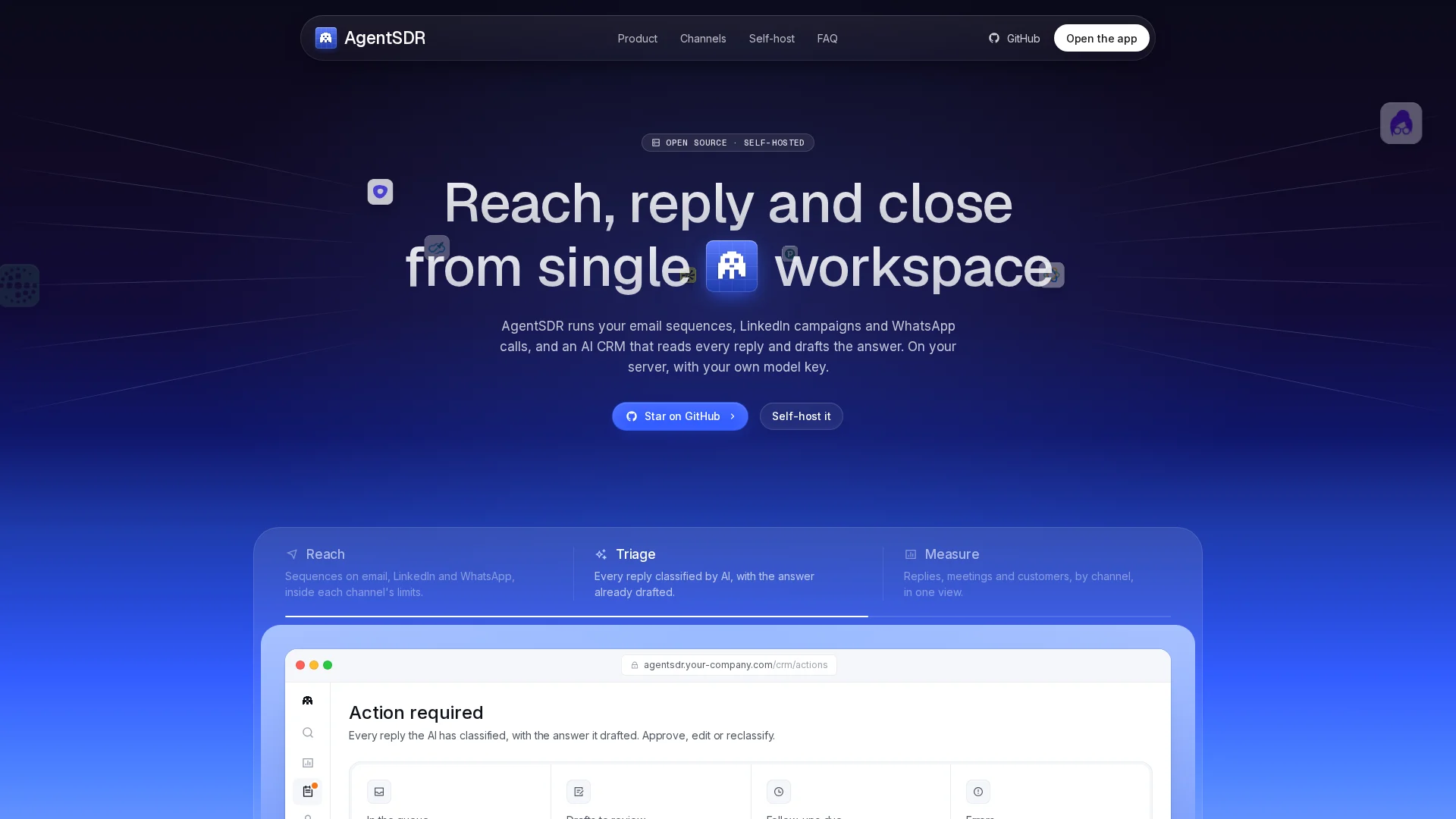
You've seen the rubric; now test it. AgentSDR is open source and self-hosted, so your data stays yours. Run a two-week pilot with your reps and see what 20% more selling time feels like.
Frequently Asked Questions
Q1: What metrics improve with a sales automation platform?
Touches per rep, speed-to-lead, and admin time move first. Reply rates, meetings booked, and pipeline coverage follow once sequences accumulate data.
Q2: How long before we see results?
Activity gains appear within weeks. Run a four-week baseline first, automate one channel, then compare the same metrics.
Q3: Cloud or self-hosted?
Cloud starts fastest but bills per seat forever. Self-hosted costs setup effort upfront, then caps costs and keeps data in-house.
Conclusion
A sales automation platform pays off when you measure it, not when you buy it. Set a four-week baseline, automate one channel at a time, and score every vendor against the weighted rubric before signing.