AI Sales CRM: Transforming Lead Management Workflows
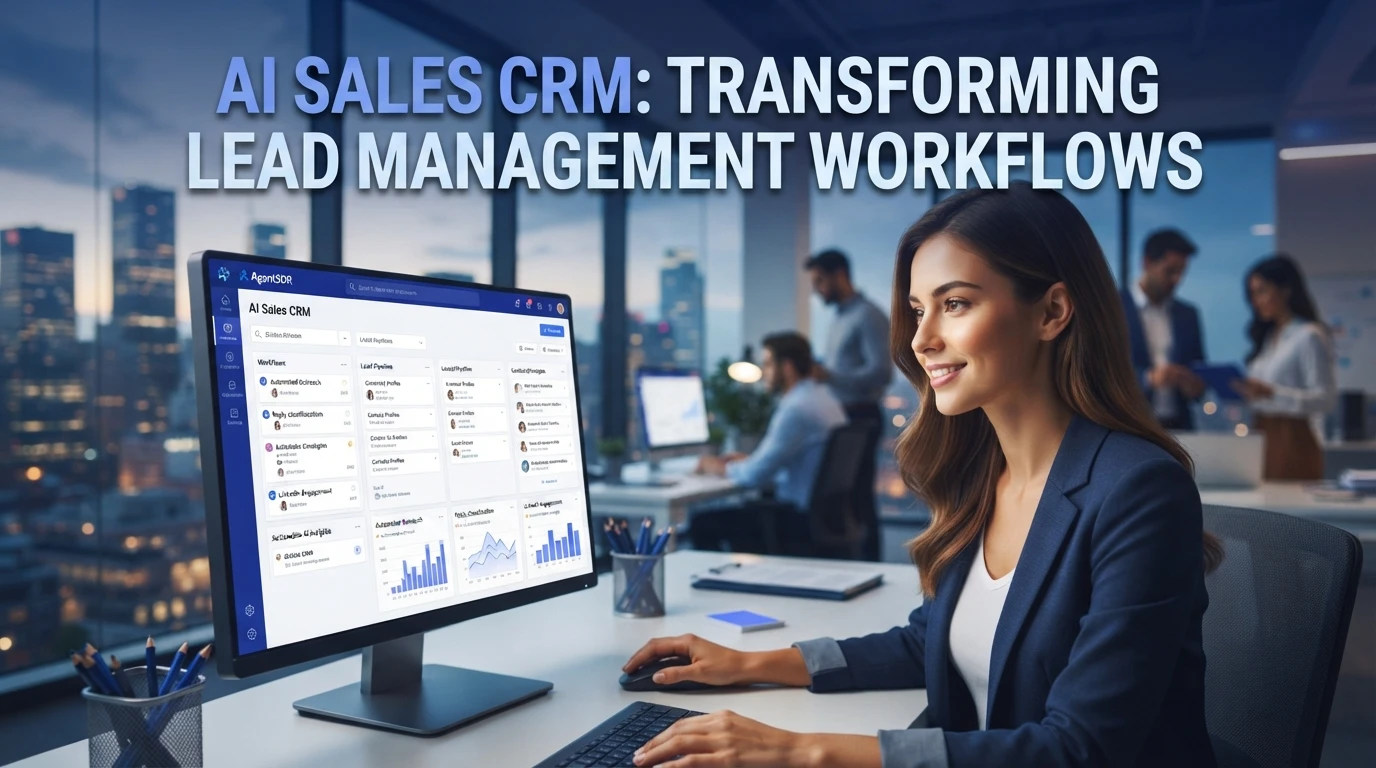
Quick Summary: AI turns a static CRM into an active workflow that captures and cleans leads, scores intent, classifies replies, routes accounts, and suggests next actions. Build the process around capture, qualify, engage, route, and forecast, while keeping reps in control of pricing, escalations, and contracts. Open-source, self-hosted tools such as AgentSDR also keep customer data and AI logic under the team's control, and phased rollouts should track logging, suggestion acceptance, and activity before adding more automation.
A rep staring at 800 unranked leads works harder than a rep whose AI sales CRM already flagged the five accounts most likely to close this week. That gap is the problem: traditional CRMs store data but never decide what matters next. This guide maps AI capabilities to each step of lead management, from capture and scoring to outreach and handoff, so you can rebuild the workflow rather than buy another feature list. We draw on hands-on experience with open-source, agentic sales platforms.
How AI Reshapes Lead Management in a Modern CRM
From Static Database to Active Workflow Engine
A traditional CRM stores leads and waits for a rep to act. An AI sales CRM works the record for you: it enriches new contacts, classifies replies, drafts follow-ups, and nudges stale deals forward. The database becomes a workflow engine, where every lead sits in a defined next step instead of a forgotten list.

Predictive Lead Scoring and Routing
AI scoring ranks leads by how likely they are to convert, using signals such as reply sentiment, engagement history and firmographics. Routing rules then send each lead to the right rep in seconds, not days. A rep staring at 800 unranked leads works harder than one whose CRM already flagged the five accounts most likely to close this week. Self-hosted platforms keep these signals under your own roof, so scoring models run on data you control.
A strong AI sales CRM does two jobs well: it keeps your lead data clean, and it tells your team what to do next.
Core AI Capabilities Every Sales CRM Should Offer
Data Capture, Enrichment, and De-duplication
The first job is clean data without manual entry. Your CRM should pull contact details from emails, calls, and forms, enrich them from public sources, and merge duplicate records automatically. Bad data wastes more rep hours than any missing feature. If you want full control over where that data lives, an open-source AI CRM you can self-host keeps enrichment and storage on your own terms.

Conversation Intelligence and Next-Best Actions
The second job is judgment. Conversation intelligence transcribes calls and emails, classifies replies as interested, not now, or gone quiet, and flags the deals worth attention. Next-best-action engines go further: they suggest the follow-up, the channel, and the timing based on what similar buyers did before. Reps still make the call. The AI just makes sure no warm lead sits untouched for a week because someone forgot to check the pipeline.
Designing an AI-Driven Lead Management Workflow
Capture, Qualify, Engage, Route, Forecast
Build the workflow around five stages. Capture pulls every inbound form, reply and scraped contact into one record. Qualify uses AI to score fit and intent, so reps see the five accounts most likely to close this week first. Engage runs sequences across email, LinkedIn and WhatsApp with reply classification. Route assigns each qualified lead to the right owner in minutes, not days. Forecast rolls pipeline signals into a weekly view. Platforms like AgentSDR handle all five in one open-source workspace, so the stages share data instead of syncing through exports. The sequence matters more than any single feature.
Human-in-the-Loop Controls and Governance
AI drafts, humans decide. Keep reps in charge of pricing answers, escalations and anything contractual, and log every AI action for review. Because the platform is self-hosted, teams building private CRM workflows keep customer data inside their own infrastructure. Review thresholds weekly, and tune scoring rules as reps correct the model.
Choosing and Rolling Out an AI Sales CRM
Evaluation Checklist for B2B Teams
Score every option against five things: lead scoring accuracy, enrichment quality, channel coverage, data control, and total cost. Ask for a live test on your own pipeline data, not a vendor demo. Open-source tools let you audit the AI logic and keep records on your own servers, which matters for regulated data. Our guide on how to select an open source CRM covers this scoring in depth.
Phased Rollout and Adoption Metrics
Roll out in three phases: run the AI on one territory, add reply classification next, then automate sequences. Track adoption weekly with logging rate, AI suggestion acceptance, and touches per rep. If reps log less than 80% of activity in month one, fix the workflow before adding features.
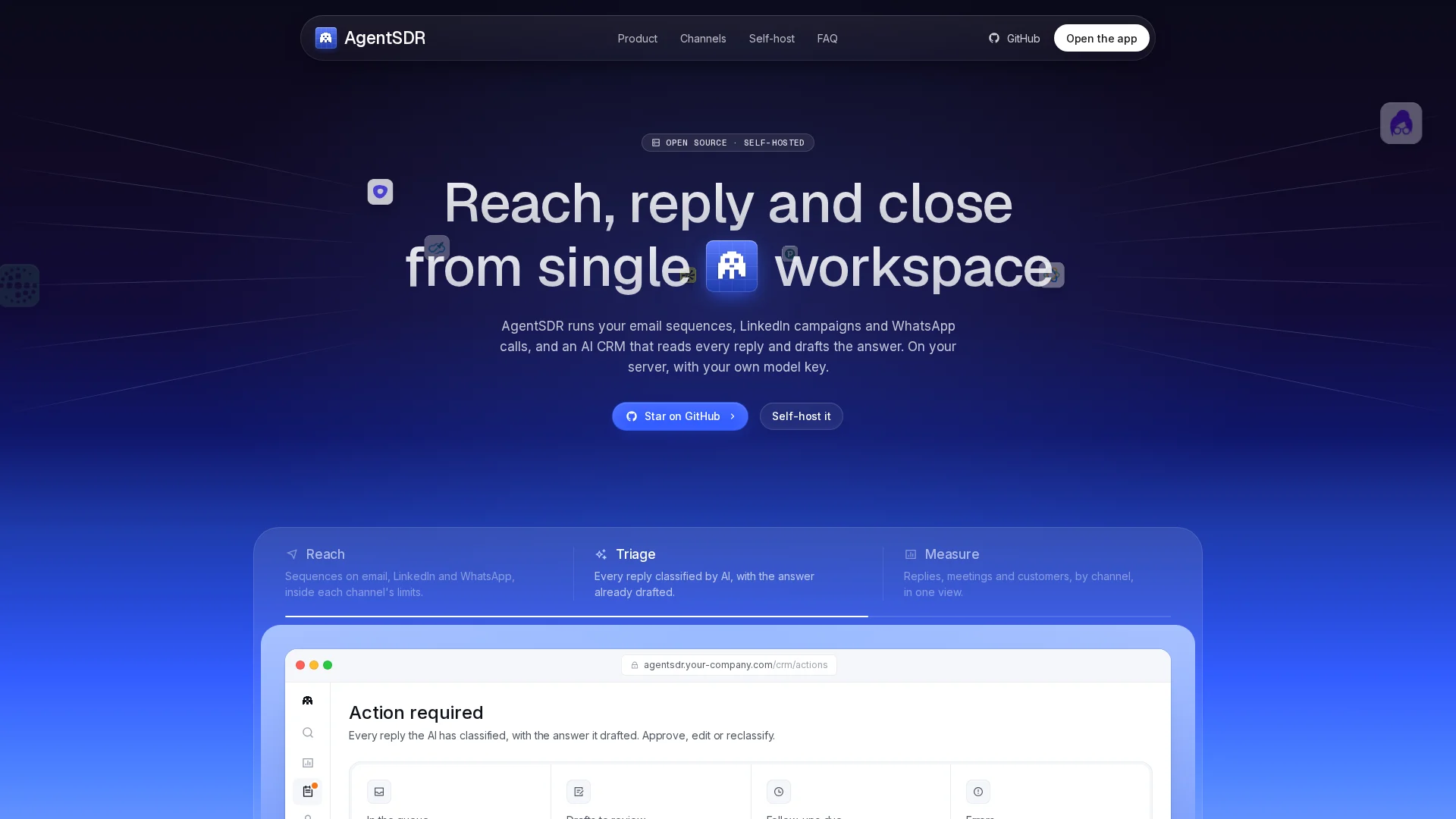
Tired of chasing leads your CRM never ranked? AgentSDR keeps your data in your hands while its AI flags the accounts worth calling first. Try it free today.
Frequently Asked Questions
Q1: How does AI impact lead management in a modern CRM?
It scores leads, routes them to the right rep, classifies replies, and suggests next actions, turning a static database into an active workflow.
Q2: How long does rollout take?
Most teams run AI on one territory first, then expand in phases over a quarter.
Q3: Is my lead data safe with AI CRMs?
Self-hosted, open-source platforms keep data on your own servers, so AI runs on records you control.
Conclusion
An AI sales CRM turns lead management into a mapped workflow: capture, qualify, engage, route, forecast. Audit your data first, keep humans in the loop, and roll out in phases. Teams that want full control can evaluate open-source platforms like AgentSDR on their own pipeline data.