





Integrations
Connect your own accounts, per organization
AgentSDR has no shared keys behind it. Google Workspace, Unipile, OpenRouter, Cloudflare R2 and your enrichment providers are connected from Settings, each organization with its own credentials.
What connects
Grouped by what each one powers
Open an integration to see what it powers, what you need, the setup steps and how its credentials are handled.
Send and read Gmail from your own Workspace mailboxes.
LinkedIn and WhatsApp
One Unipile connection runs both channels.


Storage and data
Call recordings in your bucket, and providers for enrichment columns.


How connecting works
One pattern for every integration
The same rules apply whichever service you connect. They are written down in the open-source repository's integrations documentation.
- 01
Connect from Settings
An owner or admin opens the Connection page of the channel the service powers and enters the credentials. - 02
One live check
AgentSDR makes one call to the provider before saving. If it fails, nothing is stored and the form shows why. - 03
Stored encrypted
The credentials are encrypted with AES-256-GCM using your instance's key, and are never sent back to the browser. - 04
Works while connected
A feature runs only while its integration is connected. There is no environment fallback.
The rules
What you can rely on
Encrypted at rest
Credentials are encrypted with AES-256-GCM, and secret fields stay blank when you edit so the saved value is kept.Verified on save
Each credential is checked with one live call to the provider before it is saved.Off until connected
Background jobs skip an organization that has not connected the service, routes answer 409 and pages show a Connect prompt.Owners and admins connect
Members use the features but cannot change credentials.Per organization
Each organization connects its own accounts. Connected credentials are cached for 30 seconds per process, so a change reaches other server instances within that window.No environment fallback
Keys are never read from environment variables. An organization that has not connected a service does not have it.
FAQ
Questions, answered
Where do I connect an integration?
Inside the app, on the page of the channel it powers: Settings, Email for Google Workspace, Settings, LinkedIn for Unipile (also under Settings, WhatsApp), Settings, AI provider for OpenRouter, Settings, WhatsApp for Cloudflare R2, and inside Tables for enrichment providers.
Are integration keys read from environment variables?
No. Unipile, Google Workspace, Cloudflare R2, OpenRouter and the enrichment providers are connected per organization and stored encrypted in the database. There is no environment fallback. Env keeps only what is needed before the database can be read, such as the database URL and the credentials key.
Who can connect or change an integration?
Owners and admins. Members use the features but cannot change credentials.
What happens to a feature if its integration is not connected?
It stops working until you connect it. Background jobs skip the organization, user-facing routes answer HTTP 409 with a message to connect it, and pages show a Connect prompt instead of their content.
How are credentials protected?
Each credential is checked with one live call before it is saved, then encrypted with AES-256-GCM using the key in INTEGRATION_CREDENTIALS_KEY. Secret values are never sent back to the browser.
Does AgentSDR charge for these services?
No. AgentSDR adds no markup. Unipile, Google, Cloudflare, OpenRouter, your model providers and your enrichment providers each bill you directly on your own accounts.
Are Resend and Google sign-in integrations too?
They are configured per instance in the environment rather than per organization. Resend sends verification, password-reset and invitation email, and the Google OAuth client powers the Continue with Google button. Neither is the Google Workspace integration.
Blog
From the blog
 Sales Strategy10 Best Open Source CRM Platforms for Sales TeamsEvaluate the 10 best open source customer management platforms to gain full data control and customize your sales pipeline without recurring expensive monthly licensing fees.
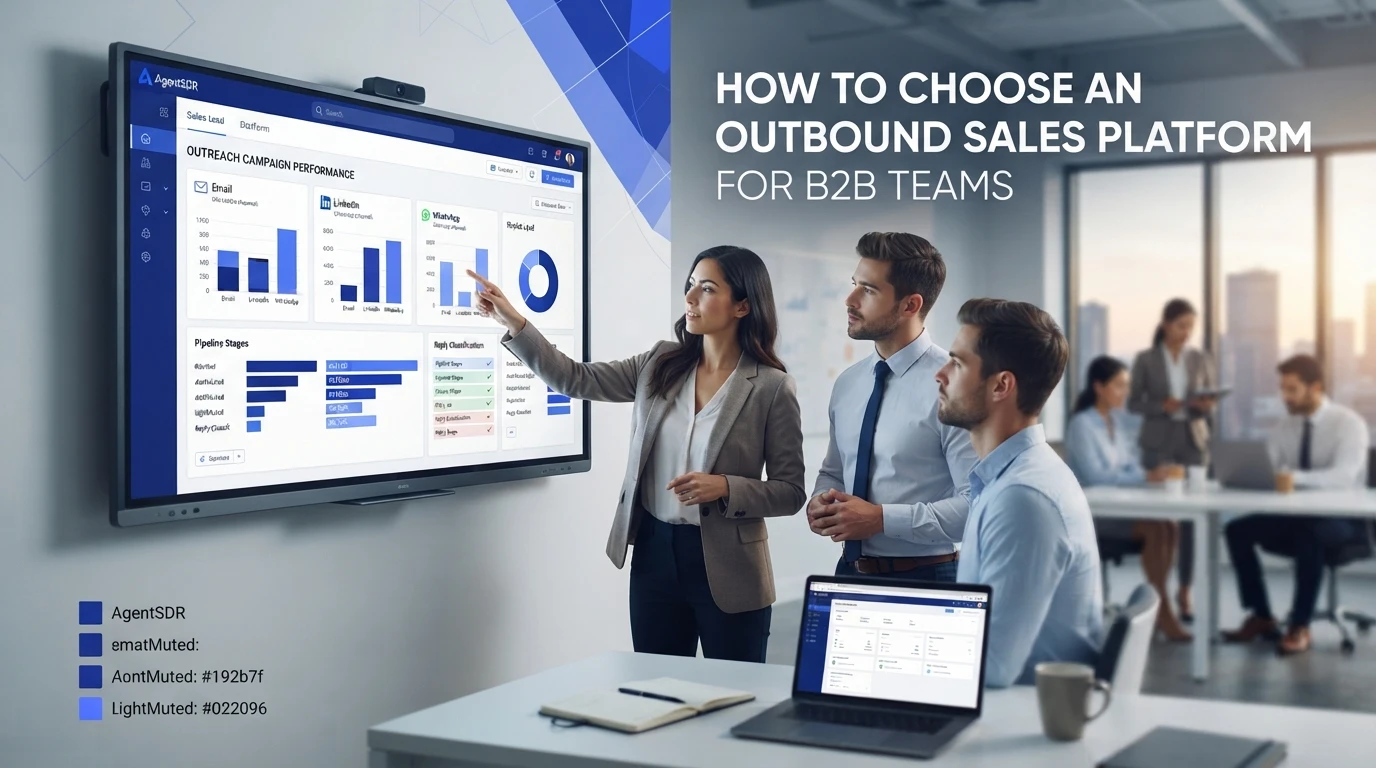 Sales StrategyHow to Choose an Outbound Sales Platform for B2B TeamsEvaluate your tech stack with this practical framework for selecting outbound prospecting tools that actually help your B2B team hit revenue targets and scale.
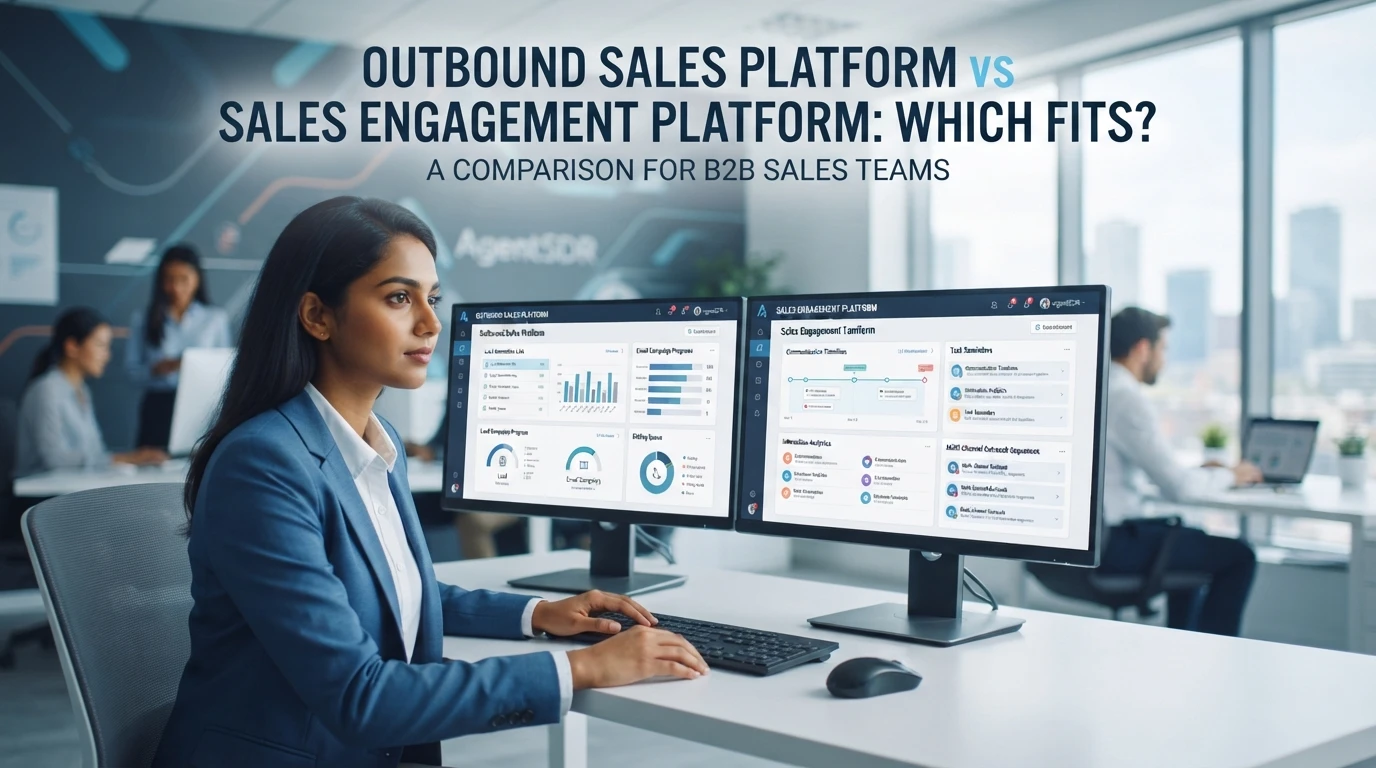 Sales StrategyOutbound Sales Platform vs Sales Engagement Platform: Which Fits?Choosing between outbound and multichannel sales engagement platforms dictates your growth strategy. Compare these tools to identify which software aligns with your specific sales team.
What these integrations power
- Email sequencesCold email from your own Google Workspace mailboxes
- LinkedIn automationInvites and follow-ups across many accounts, safely paced
- WhatsAppRecorded calls and message campaigns from your own number
- Enrichment tablesAI columns, APIs, formulas and Apollo in a grid
- AI CRMEvery reply classified and the lead moved for you
- Open source & self-hostedMIT-licensed code on your server, with your own AI key
Connect what you use, nothing else
Start with the channel you need. Each integration is set up from Settings and checked before it is saved.