Self-Hosted Sales Stack Setup for Data-Owning Teams
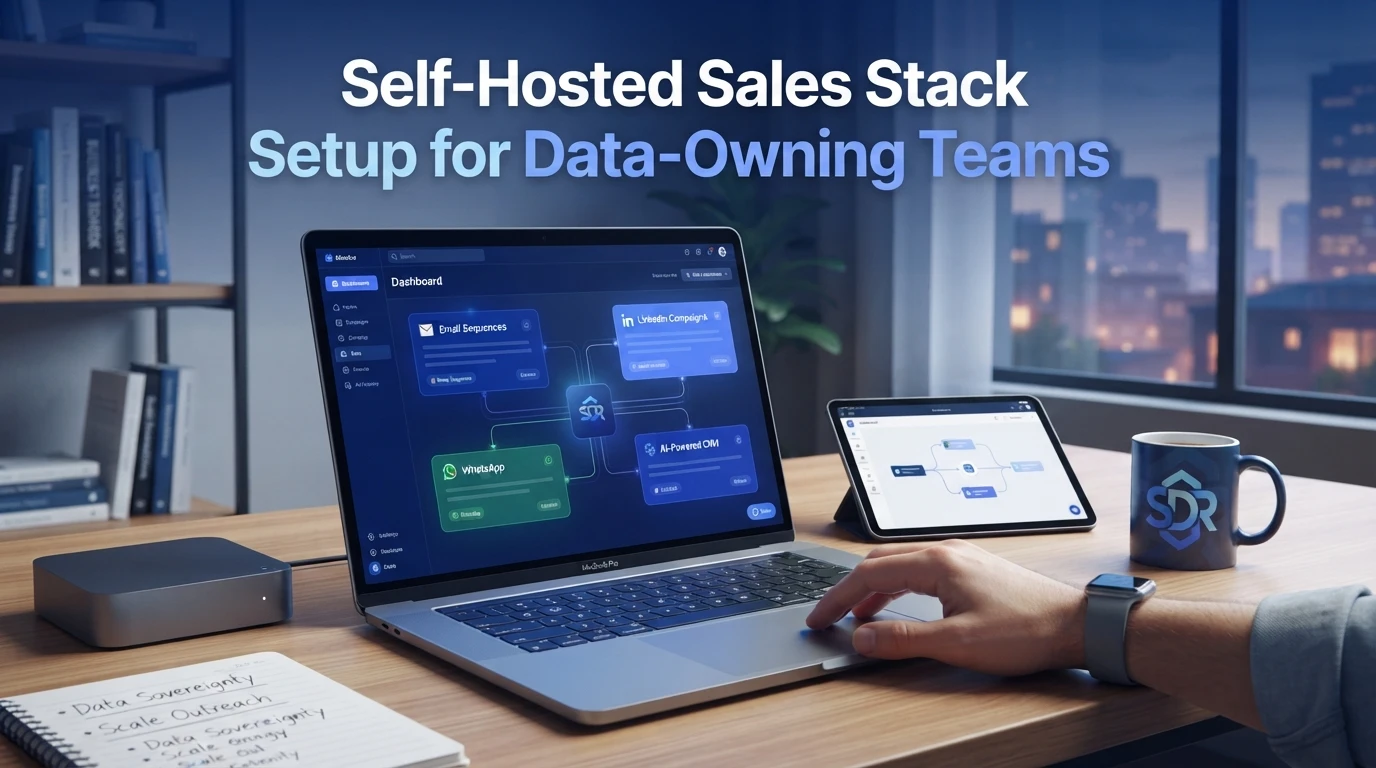
Quick Summary: A self-hosted sales stack needs five layers: CRM, engagement, enrichment, sending infrastructure, and reporting, with the CRM and engagement tools deployed first on infrastructure you control. Set up PostgreSQL with encrypted backups and hardened access, then migrate prospect data while preserving consent, opt-out, and engagement history. Warm mailboxes for two to three weeks, limit daily sends, configure SPF, DKIM, and DMARC, and maintain backups, patches, and tested exports on a set schedule. AgentSDR is highlighted as an open-source, self-hosted option for keeping sequences, replies, and CRM records on your own servers.
Exporting your CRM from a SaaS tool takes an afternoon. The rest of the self hosted sales stack rarely comes with it: enrichment, email sequences, sending domains, and history backfills all stay locked behind paywalls and API keys you do not control. This guide fixes that with a four-step path covering tool choices, deployment order, data migration, and deliverability rules. It draws on open-source outbound platforms like AgentSDR and on common failure points RevOps teams hit when they move in-house.
Step 1: Define What Belongs in a Self-Hosted Sales Stack
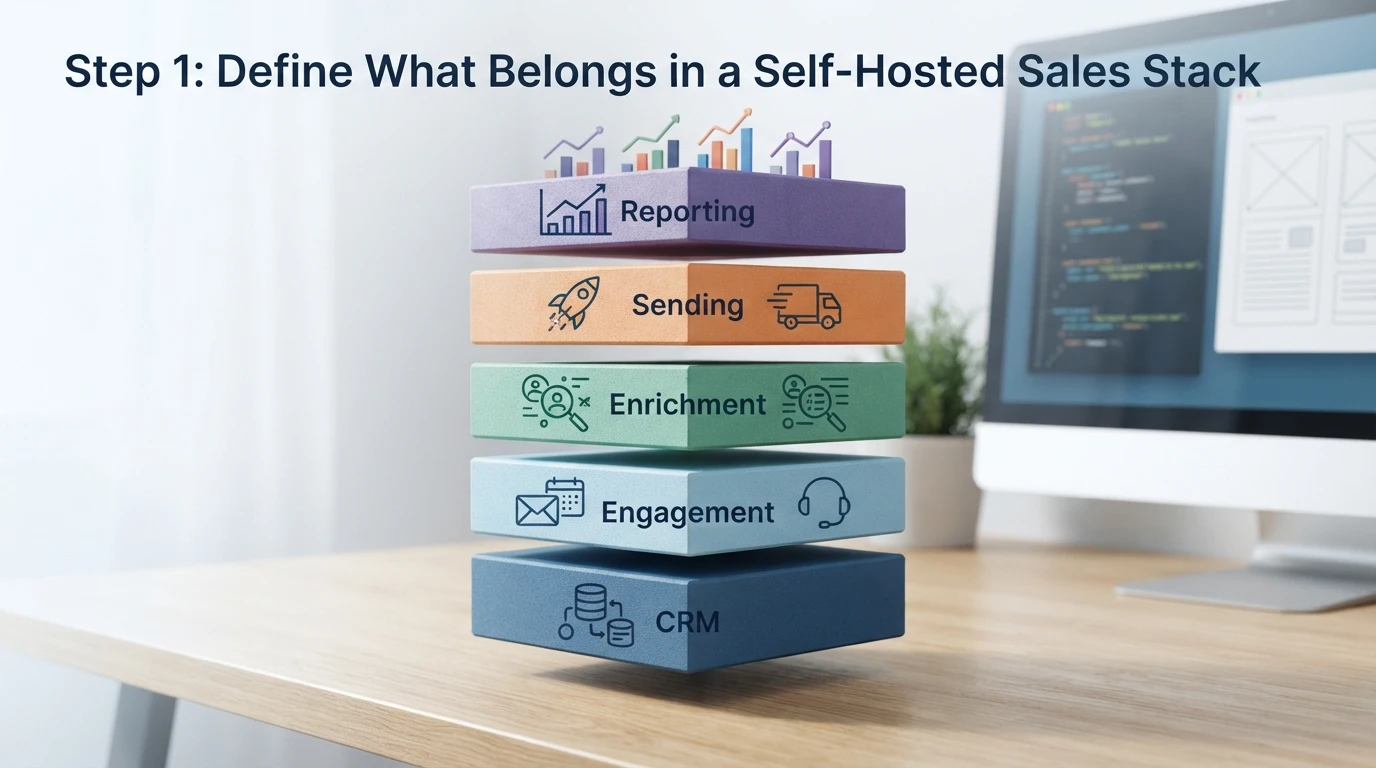
A self-hosted sales stack is five layers: a CRM of record, an engagement engine, a data enrichment source, a sending infrastructure, and a reporting layer. Map each layer before you deploy anything, or you will end up with overlapping tools and unclear data ownership. If you want the full sequence in one place, this guide to setting up a self-hosted sales workspace walks through the same layers step by step.
The Five Layers Every Self-Hosted Sales Stack Needs
The CRM holds contacts and deal history. The engagement layer runs sequences and tasks. Enrichment fills missing firmographic data. Sending infrastructure covers domains, inboxes, and deliverability. Reporting ties pipeline numbers back to campaign activity. Self-hosting at least the CRM and engagement layers keeps sensitive prospect data on your own servers.
Choosing a CRM of Record You Will Not Outgrow
Pick the CRM first, because every other layer syncs to it. Open-source options like Frappe CRM or Attio alternatives let you extend the schema as your pipeline grows. Check API limits and export paths before committing.
Where Engagement Logic Should Live
Sequence timing, reply classification, and channel rules belong in one engine. Splitting email and LinkedIn logic across tools creates silent conflicts, so consolidate where you can.
Step 2: Deploy the Stack and Wire the Layers Together
Infrastructure and Database Layer
Start with the database, since every other layer reads from it. Provision a VPS, install PostgreSQL, and enable daily encrypted backups before touching any app. Keep your CRM and email tools on the same private network, and lock down ports so only the app servers can reach the database. If you want the full walkthrough, our self-hosted sales setup guide covers the exact commands.
Connecting the Engagement Layer to the CRM
Wire sequences to CRM records through a shared lead ID, not email address matching, so replies land on the right contact even after a change of address. Sync direction matters too: push activity logs one way, keep contact fields editable in both, and test with three dummy records before going live.
Hardening Before You Import Data
Enable HTTPS, turn on rate limiting, and rotate API keys now rather than later. Import a tiny test list first, confirm deduplication works, then load production data.
Step 3: Move Prospect Data In Without Losing History
Export, Normalise, and Dedupe
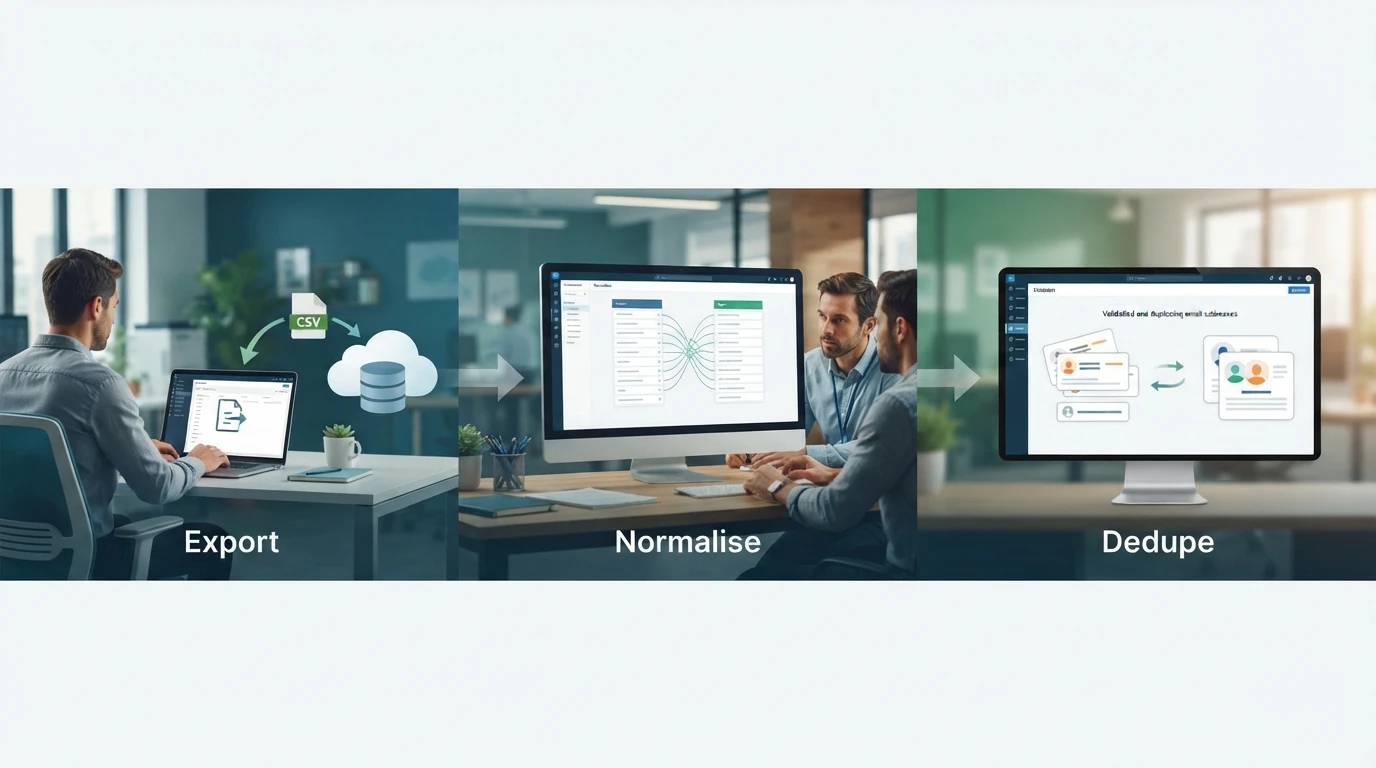
Export contacts from your old tool as CSV. Match every column to your new CRM's fields, then merge duplicates on email address, not name. A clean spreadsheet before import saves weeks of cleanup later.
Preserving Sequence and Consent History
Carry over more than names. Log past email touches, opt-outs, and unsubscribe dates in custom fields, because losing consent records can turn a warm list into a compliance risk overnight.
Verifying the Import
Spot-check 50 random records after import. Confirm each shows the right owner, tags, and history, then run a small test sequence to ten internal addresses before any prospect mail goes out. For field-mapping help, our guide on secure self-managed CRM options covers schema choices.
Step 4: Run Deliverability and Ownership Governance
Sending Reputation and Warmup
Warm each mailbox on your domain for at least two to three weeks before launching sequences. Keep daily sends under 30 per inbox, watch bounce rates, and set SPF, DKIM, and DMARC records correctly. A self-hosted stack lets you rotate domains without vendor lock-in.
Patch, Upgrade, and Maintenance Cadence
Schedule monthly server updates and apply security patches within a week of release. Back up your database daily, test restores quarterly, and keep a staging copy before major version upgrades. Assign one owner per task so maintenance never stalls.
The Data Ownership Checklist
Review ownership quarterly with a short checklist:
- Backups stored in two locations, one off-site
- Export tested, not just scheduled
- Access reviewed and former staff removed
- Encryption keys held in-house
Because AgentSDR runs open source on your own server, every record stays exportable and under your control.
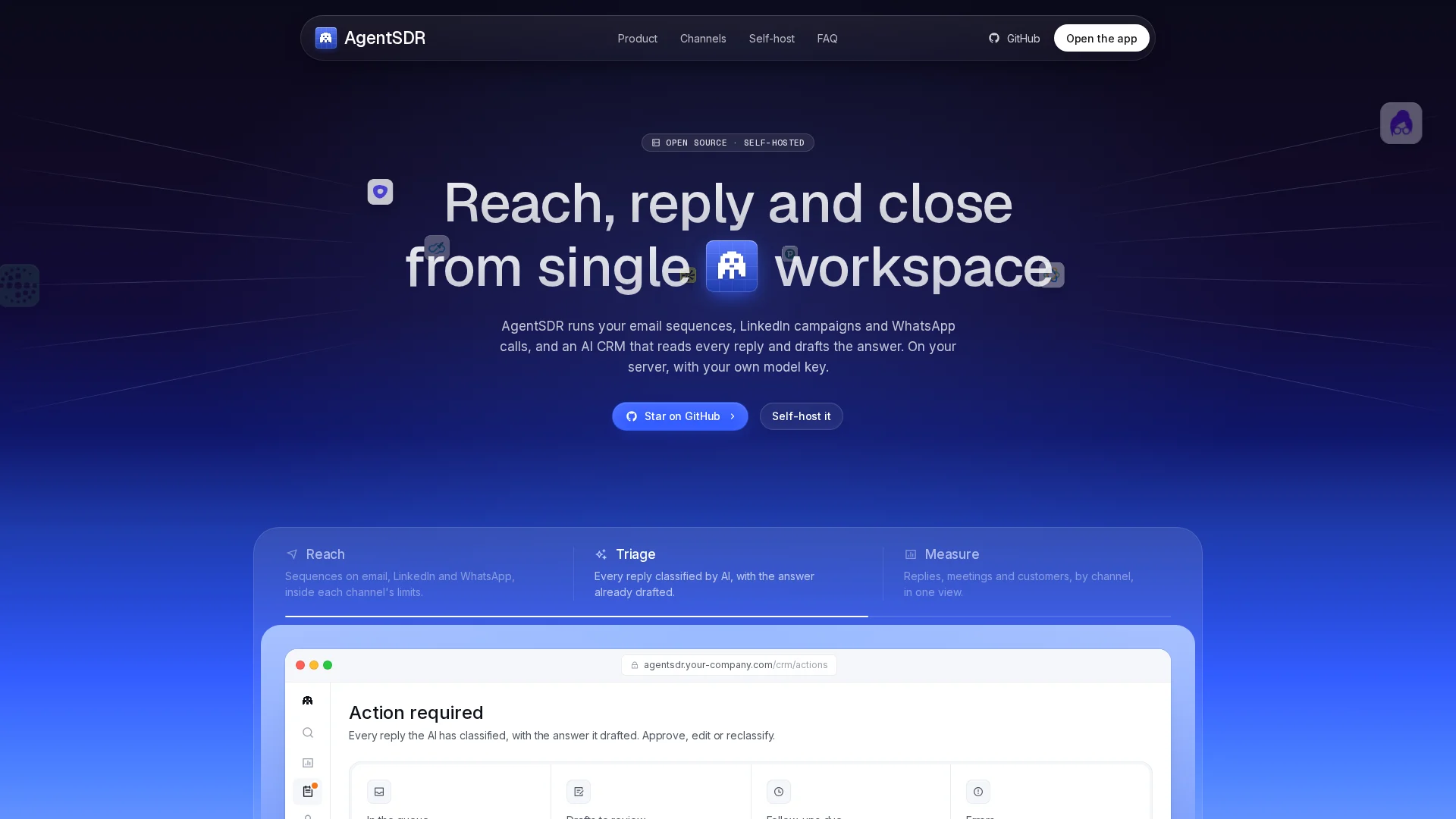
If you want every sequence, reply, and CRM record living on servers you control, AgentSDR gives you the full outbound stack, self-hosted and open source. Start your setup today.
Frequently Asked Questions
Q1: What belongs in a self-hosted sales stack?
Five layers: a CRM of record, an engagement engine for sequences, a data enrichment source, sending infrastructure with domains and inboxes, and a reporting layer. Self-host at least the CRM and engagement layers first.
Q2: How long does mailbox warmup take before launching sequences?
Plan for two to three weeks per mailbox. Keep daily sends under 30 per inbox, set SPF, DKIM, and DMARC correctly, and watch bounce rates during warmup.
Q3: How do I keep prospect history when migrating from a SaaS tool?
Export everything as CSV, merge duplicates on email address, and log past touches, opt-outs, and unsubscribe dates in custom fields so consent records survive the move.
Q4: What maintenance does a self-hosted stack need?
Monthly server updates, security patches within a week of release, daily backups with quarterly restore tests, and a staging copy before major upgrades, each with a named owner.
Conclusion
A self-hosted sales stack comes down to four moves: map the five layers, deploy in the right order, migrate data with consent history intact, then govern deliverability and backups. Do those, and every record stays exportable and yours.