Guide to Setting Up a Self-Hosted Sales Workspace
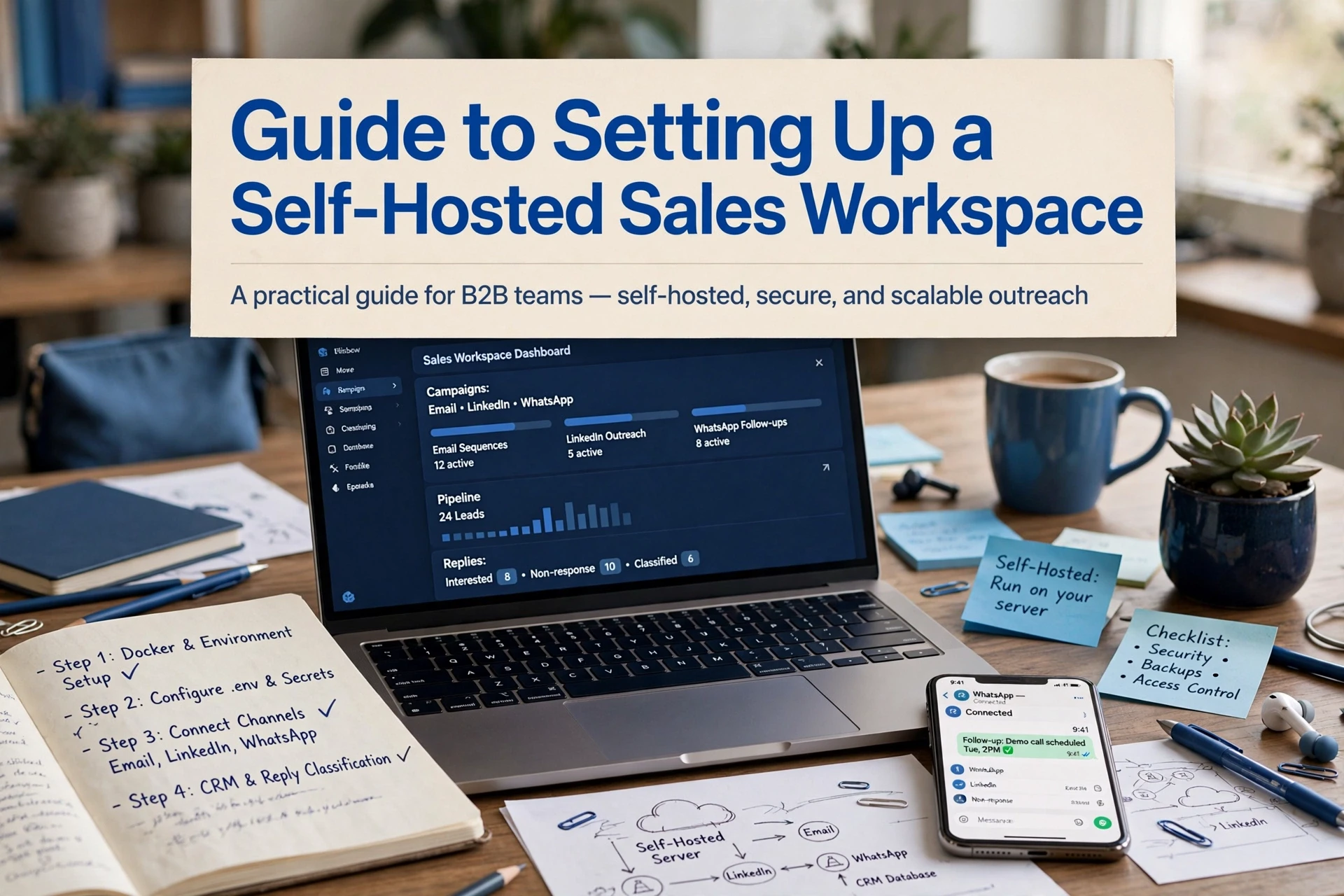
Quick Summary: A self-hosted sales workspace succeeds only when deployment, email deliverability, backups, and access controls are handled, not just the installation. For a team of five, start with 2 vCPUs, 4 GB RAM, and a 40 GB SSD, then run the application, PostgreSQL, and a reverse proxy through Docker Compose, configure SPF, DKIM, and DMARC, and test backups regularly. AgentSDR supports this setup by combining email sequences, LinkedIn campaigns, WhatsApp calls, and an AI-powered CRM on infrastructure you control.
A self-hosted sales workspace fails in one of two places: the deployment itself, or the first cold email send. Most guides stop at installation and leave you guessing from there. This guide covers both, from server sizing and a Docker Compose setup to DNS records, deliverability, backups and role-based access, so your outbound stack runs on infrastructure you actually control.
Plan the Stack Before You Install Anything
Size the Server and Choose Where It Runs
A self hosted sales platform needs a small server to start. Plan for 2 vCPUs, 4 GB RAM and 40 GB SSD for a team of five, plus room to grow. A VPS from any major provider works. Keep it in a region close to your team, and note that email sending volume, not the app, drives most resource needs.
Decide Which Application Layer Runs on Top
The server is just the base. On top, you run an open source sales engagement platform such as AgentSDR, which combines email sequences, LinkedIn campaigns, WhatsApp calls and an AI-powered CRM. It installs as a Docker Compose stack with PostgreSQL, so list every service, port and dependency before you deploy anything.
How to Deploy a Self-Hosted Sales Workspace Step by Step
Deploying a self-hosted sales workspace follows four steps: prepare a server, run the stack with Docker Compose, connect your sending channels, then lock in backups and upgrades.
- Size and provision a Linux server, then install Docker and Compose.
- Deploy the application stack and configure PostgreSQL.
- Connect your domain, mailboxes and CRM data.
- Test restores, then schedule updates.
Prepare the Server and Install the Runtime
Start with a clean Ubuntu or Debian server. A team of five runs well on 2 vCPUs, 4 GB RAM and a 40 GB SSD. Create a non-root user, enable SSH key login, and install Docker plus the Compose plugin. Put a reverse proxy such as Nginx or Caddy in front so you can issue TLS certificates.
Deploy the Stack and Configure the Database
Self hosted CRM deployment is mostly a Compose file. Define the app container, PostgreSQL, and your reverse proxy as services, then set database credentials through environment variables. Run docker compose up -d, watch the logs, and confirm migrations complete. An open source sales engagement platform like AgentSDR ships its stack this way.
Connect the Channels and the Data
Point a subdomain at the server first. Then add sending domains and verify SPF, DKIM and DMARC records, since missing records sink email deliverability. Warm up new mailboxes slowly before starting sequences. Finally, connect LinkedIn and WhatsApp accounts and import your contact lists.
Verify, Back Up and Schedule Upgrades
Back up a self-hosted CRM with a simple checklist:
- Dump the PostgreSQL database nightly to offsite storage.
- Copy the Compose file, environment variables and TLS certificates.
- Restore into a scratch server and verify records, monthly.
- Apply upgrades to a staging copy before production.
Govern Access, Deliverability and Ongoing Operations
Set Roles, Views and Audit Boundaries
Lock down who sees what before go-live. Use role-based access control so reps only view their own pipelines, managers see team data, and admins alone touch server settings. Enable audit logs for logins, exports and record changes. Review permissions quarterly, and remove accounts the day someone leaves.

Protect Sending Reputation and Run the Maintenance Routine
Deliverability depends on three DNS records: SPF, DKIM and DMARC. Set them up, warm new domains slowly, and watch bounce rates weekly. Monthly, rotate logs, apply updates, and run a backup restore test so recovery stays proven, not assumed.
Running the Workspace: Adoption, Cost and Exit Planning
Roll Out in Stages and Measure the Result
Start with one rep and one channel, then expand weekly. Track reply rates, deliverability and adoption before adding LinkedIn or WhatsApp. Internal linking guidance: run your sales sequences with role-based permissions so early wins spread across the team.
Budget for Ownership, Not Just Licensing
Self-hosting trades licence fees for server, backup and upgrade time. Compare cloud SaaS bills to hosting plus a few support hours monthly. Since your stack is open source, export data anytime and avoid vendor lock-in.
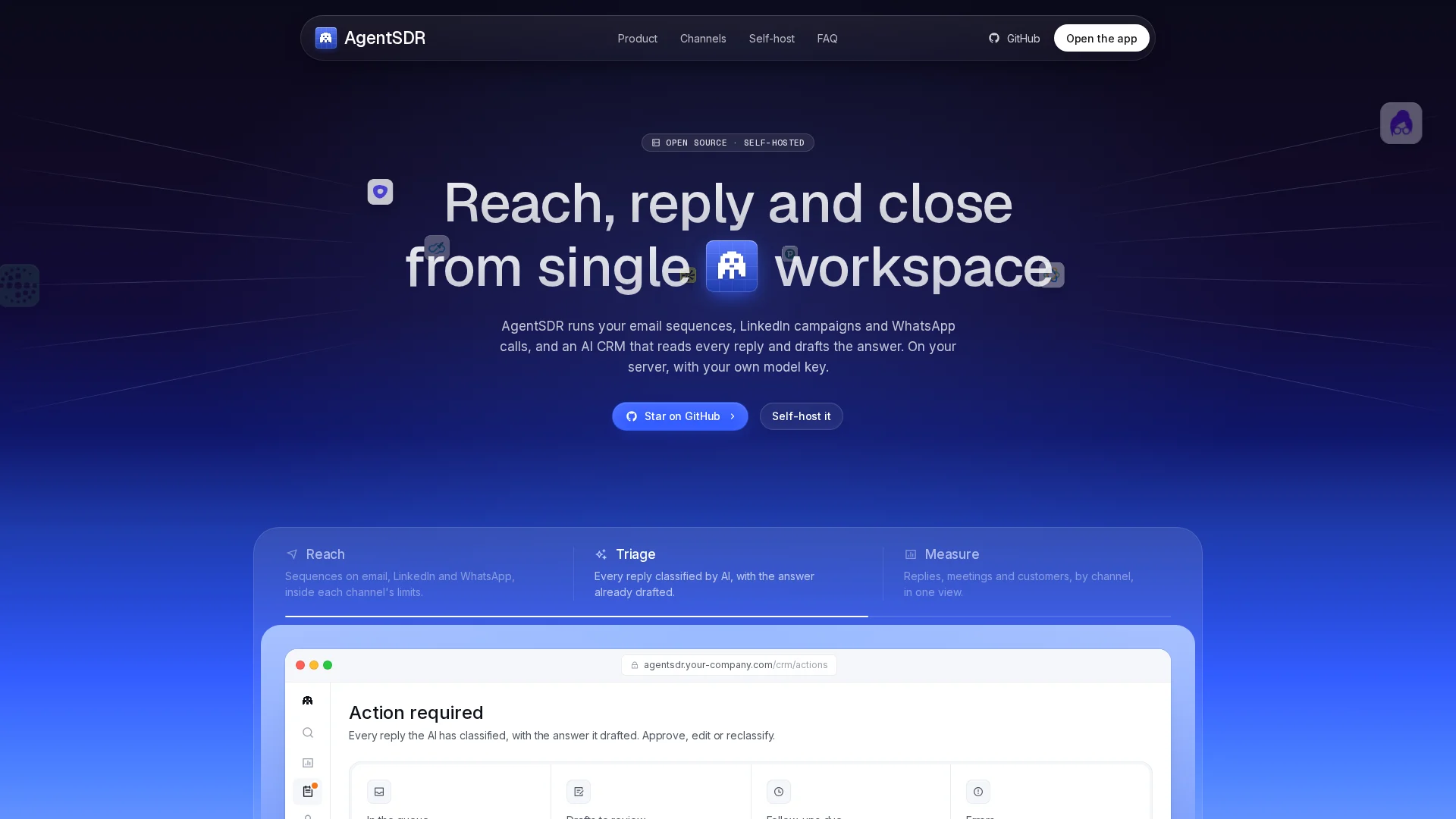
Your workspace is ready. Now run outreach from it: AgentSDR unifies email sequences, LinkedIn, WhatsApp and an AI-powered CRM on the server you already control. Deploy it today.
Frequently Asked Questions
Q1: How do I deploy a self-hosted sales workspace step by step?
Provision a Linux server, install Docker and Compose, deploy the stack with PostgreSQL behind a reverse proxy, then connect your domain, mailboxes and CRM data. Test a restore before go-live.
Q2: What server size do I need for a self-hosted sales platform?
A team of five runs well on 2 vCPUs, 4 GB RAM and a 40 GB SSD. Sending volume, not the app, drives most resource use, so scale as sequences grow.
Q3: Which DNS records matter most for email deliverability?
SPF, DKIM and DMARC. Missing records sink deliverability, so verify them before your first send and warm new mailboxes slowly.
Q4: How do I back up a self-hosted CRM safely?
Dump PostgreSQL nightly to offsite storage, copy your Compose file and certificates, and restore into a scratch server monthly to prove recovery works.
Conclusion
A self-hosted sales workspace succeeds when deployment, DNS, backups and access controls are all handled, not just the install. Size your server, deploy the Docker Compose stack, verify SPF, DKIM and DMARC, then test restores monthly. Done well, your email sequences, LinkedIn campaigns, WhatsApp calls and AI-powered CRM run on infrastructure you own.