Lead Response Management: How to Reply in Under 5 Minutes
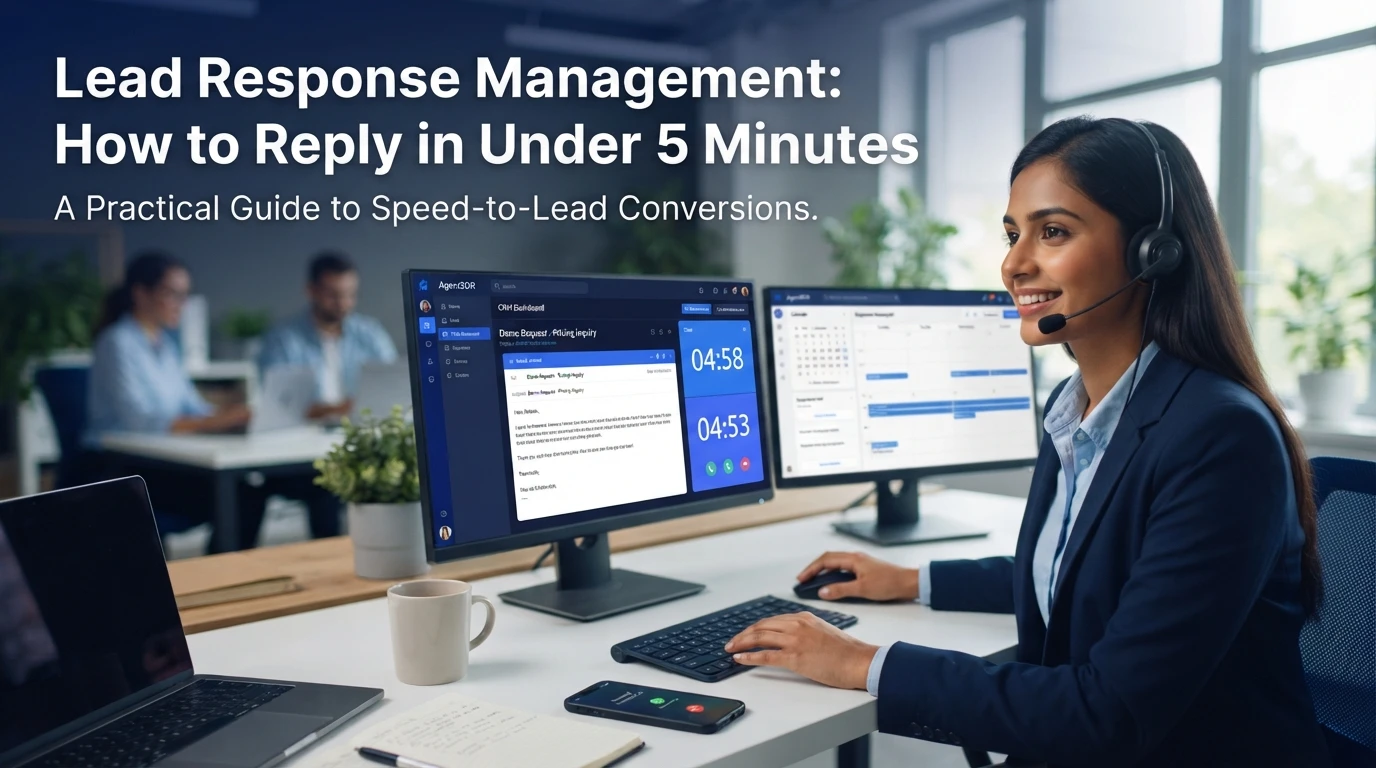
Quick Summary: Respond to inbound leads within five minutes by routing them to named owners and sending instant acknowledgments on the channel they used. Follow with one qualifying question and two specific meeting times, then use a short four-touch cadence for quiet leads. Track first-touch timestamps by source, owner, and hour to fix routing delays, and tools like AgentSDR can automate replies, routing, and booking while keeping humans in control. A director submits a demo request at 10:14. By 10:30, a competitor has booked a discovery call with her. Your rep's lead still sits unrouted in a shared inbox. Most B2B teams average around 42 hours for a first reply, yet leads contacted within five minutes convert far better. This guide covers lead response management: the speed to lead benchmark, where the five-minute rule comes from, and a four-step operating model you can set up in one sprint.
Step 1: Set Response Tiers and the Routing Rules That Feed Them
How do you calculate lead response time? Formula: lead response time = time the lead first touches your system (processing time) plus time until a rep sends a real reply (representative response time). Track both, because you can only fix what you measure. A faster lead response speed starts with honest numbers.
Measure where your five minutes are actually going
Pull your CRM first-touch timestamp and compare it with form submission time. Most teams lose minutes to routing delays, not rep typing speed. Speed to lead benchmarks only work if the clock starts at submission.
Assign tiers, owners and channels before you automate anything
Rank inbound leads by intent: demo requests get tier one, content downloads tier two. Name an owner and channel for each tier, then write a lead routing SLA per tier. Round-robin rules should skip absent reps, and every new inbound lead needs instant acknowledgement regardless of tier.
Step 2: Automate the Instant Acknowledgement
Your fastest fix for lead response speed is a machine reply that fires in seconds. A human still follows up, but the lead hears something immediately instead of waiting hours.
Trigger on the channel the lead already chose
Set one trigger per channel, not one global rule. Reply to email forms by email, WhatsApp messages on WhatsApp, and chat submissions in chat. Match the channel and the reply lands where the lead is already looking, so they know their demo request response arrived. Platforms that handle sales outreach automation let you build these triggers once and reuse them per campaign.

Write acknowledgement that sounds like a person
Keep the template short and specific. Name the lead's company, confirm what they asked for, and give a next step like a booking link. Skip generic phrases such as "your inquiry is important to us." Sign it with a real rep's name so the follow-up feels continuous, and log the send in your CRM first-touch timestamp.
Step 3: Qualify and Book Inside the First Reply
What should a first reply to a web form lead say? Three things: a personal acknowledgment, one qualification question, and two concrete meeting times. That's it. No pitch, no brochure link, no "we'll circle back."
Ask one question that qualifies without stalling
Pick the single question that separates a fit from a pass: team size, current tool, or timeline. BANT-style interrogations kill momentum, and none is needed at this stage. One question shows you read the form; twelve feels like an audit. Many teams let their CRM draft this reply from form data, and a tool like AgentSDR's AI CRM can classify the answer so routing happens fast.

Offer two times, not a promise
"Happy to talk - does Tuesday at 10:00 or Wednesday at 2:00 work?" beats "let me know when you're free" every time. Two specific slots force a decision, cut the back-and-forth, and often land the booking inside one reply thread.
Step 4: Recover Quiet Leads and Prove the Number
Run a short cadence that stops the moment they answer
How often should you follow up if a lead does not reply? Use a short burst:
- Same day: reply to their original message.
- Next day: send one new angle or case example.
- Day 4: share a booking link with two time slots.
- Day 8: send a polite close-out.
Stop immediately once they respond. An AI CRM that classifies replies helps here, because a human reviews every drafted answer before it goes out.
Track response speed by source, owner and hour
Log the CRM first-touch timestamp for every lead. Then report first response time by source, owner and hour of arrival. Slow hours signal gaps in routing or staffing, not lazy reps. Review the breakdown weekly and fix the two worst buckets first.
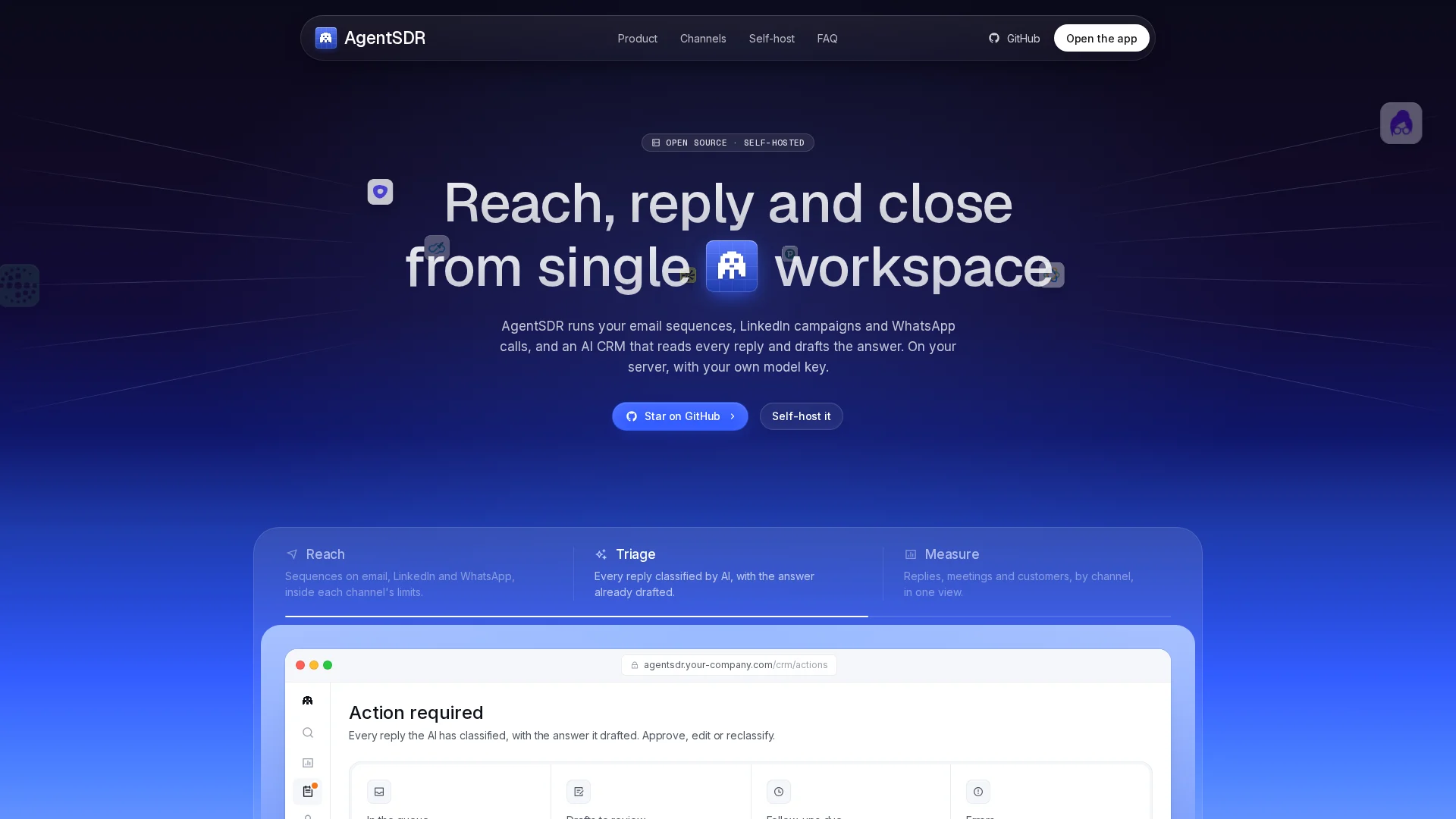
Every hour of silence hands your lead to a faster competitor. AgentSDR routes, replies and books meetings in minutes, not days. Set it up free and test it on your next inbound lead.
Frequently Asked Questions
Q1: What is the fastest way to manage lead responses?
Automate an instant acknowledgement on the lead's chosen channel, then route hot leads to a named owner with two concrete meeting times in the first reply.
Q2: Does the instant acknowledgement count as a real response?
It counts on the clock, but a human must still reply fast. Use it to hold attention while a rep qualifies and books.
Q3: How do I fix slow responses outside business hours?
Set routing rules to reassign or escalate after a short wait, and use an AI-drafted, human-reviewed reply to cover gaps without hiring night shifts.
Conclusion
Lead response management comes down to four moves: route hot leads to named owners, send an instant acknowledgement, qualify and book inside the first reply, and track first response time weekly. Cut the 42-hour average down to five minutes, and you keep the leads a slower competitor would take.