WhatsApp Sales Outreach for Local Service Businesses
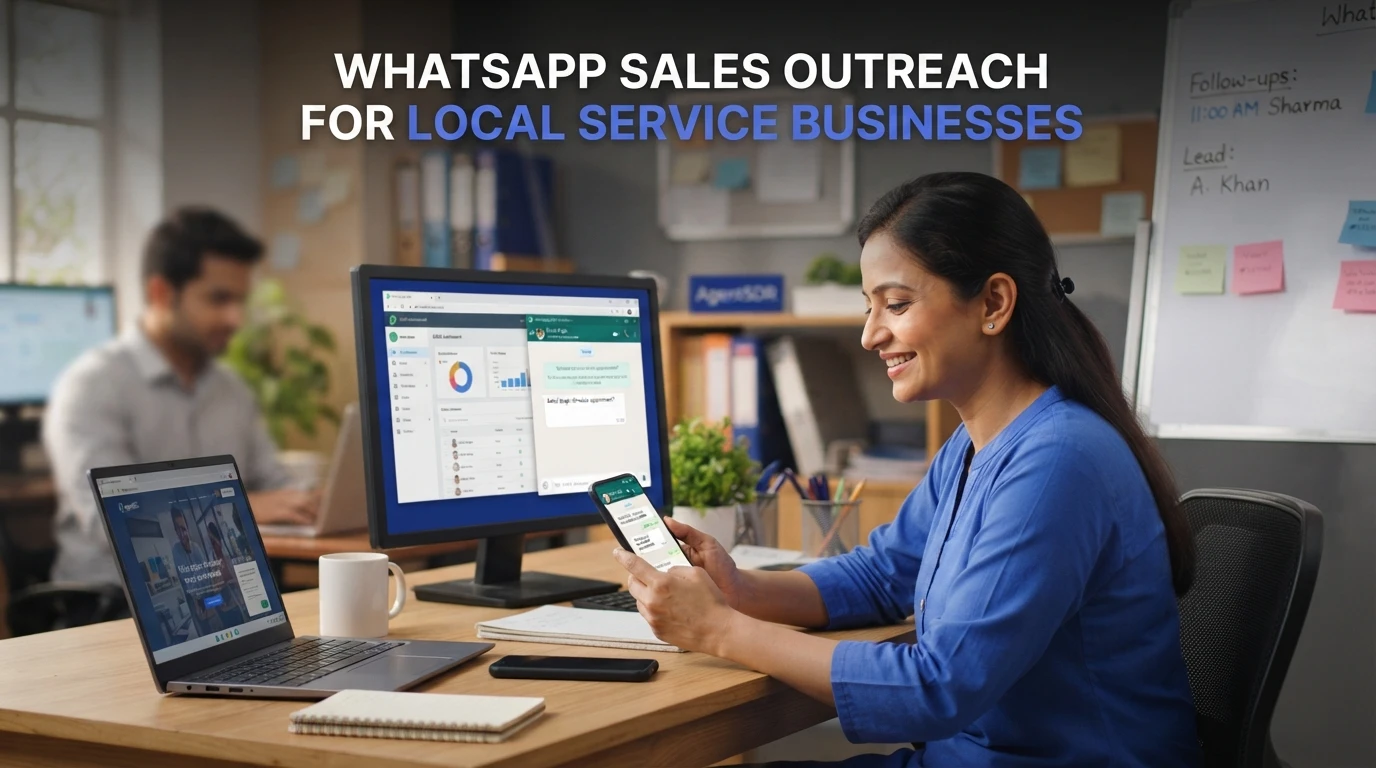
Quick Summary: Local service businesses should use compliant, opt-in WhatsApp outreach: start with the Business App for small lists or the API for scaled sequences, then warm leads through email or LinkedIn before sending a short three-line message. Send about 20-30 messages daily for the first two weeks, increase gradually, limit follow-ups, and track replies, quotes, bookings, and revenue in a CRM. AgentSDR supports this workflow by managing sequences, reply classification, and CRM tracking while keeping replies human-reviewed.
A salon in Pune or an AC repair family in Dubai still runs on one personal WhatsApp number, a 256-contact broadcast list and word of mouth. Meanwhile, a competitor with a proper WhatsApp outreach local business workflow quietly picks up the enquiries they miss. This guide shows how to fix that: stay compliant, choose the right app setup, run a warm multi-channel sequence and track bookings in a CRM. It's written as an operating manual, not a vendor pitch.
Step 1: Set Up a Compliant WhatsApp Outreach Foundation
Business App or Official API for Prospecting
Pick the tool before the first message. For WhatsApp outreach for local business, the choice comes down to this:
| Factor | Business App | Business Platform (API) |
|---|---|---|
| Broadcast limit | 256 contacts per list | Scales in tiers (250 up to 100k+ per day) |
| Templates | Basic | Approved templates required |
| Best for | One-to-one replies and small lists | Structured sequences and CRM tracking |
| Setup | Minutes | Verification and approval |
A salon replying to bookings can stay on the App. Sales teams running cold sequences need the API, so outreach tools like AgentSDR build on it.
Contact Sourcing and Messaging Rules
Meta requires explicit opt-in before you message anyone, so never add scraped numbers. Confirm consent, use approved templates, and keep replies human. That combination protects your number quality from day one.
Step 2: Build a Qualified Local Prospect List
Define Your Local Service Area and Service Type
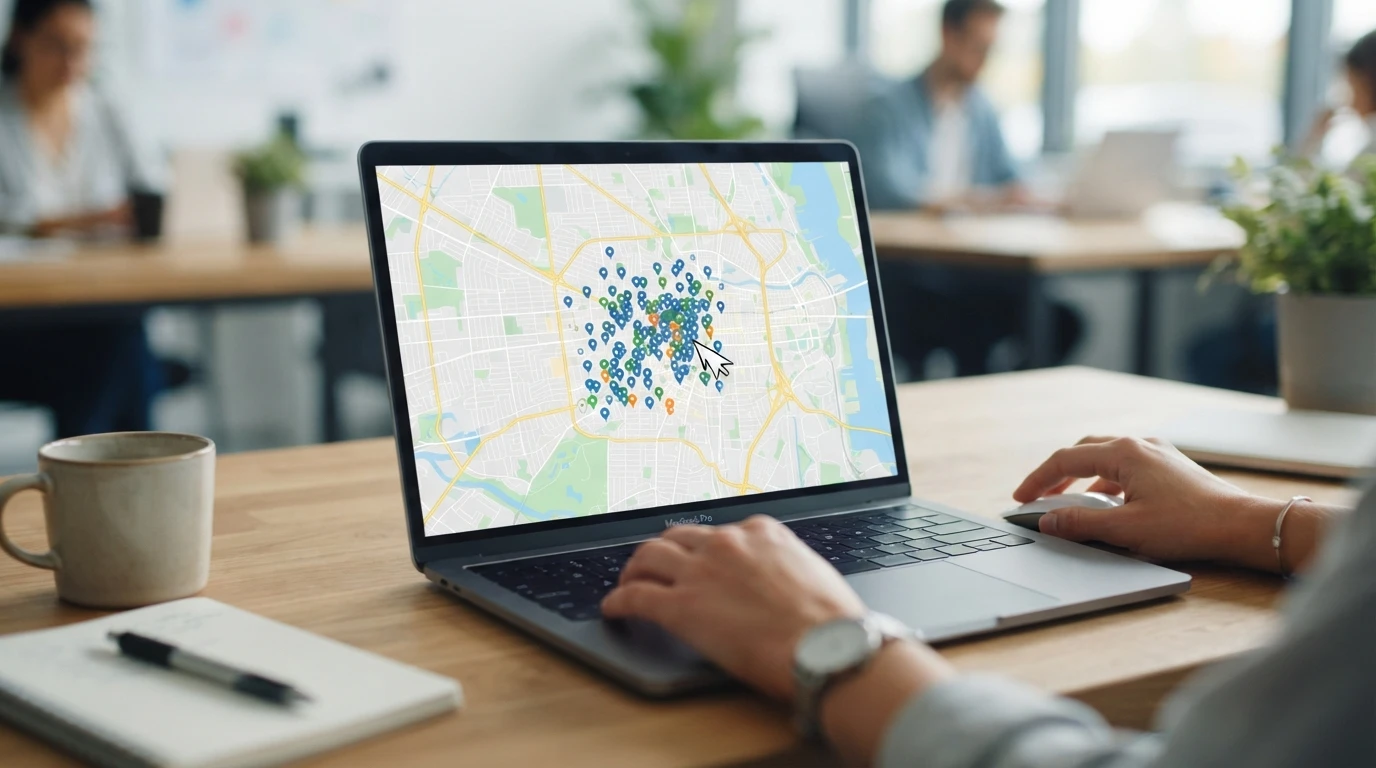
Start with radius and role. Pick a service area you can reach in person, then list the business types that fit your offer: clinics, gyms, salons, repair shops. Rate each prospect on team size, current WhatsApp use, and willingness to book calls. Keep the list tight so WhatsApp lead generation for home services stays focused.
Sources That Actually Convert Locally
Google Maps and Justdial beat generic databases for local work. Export listings by pincode, filter for businesses with a listed phone number, and check reviews for buying signals. Track each prospect in a pipeline so outreach stages stay visible; even a simple WhatsApp pipeline setup helps here.
Step 3: Run the Outreach Sequence That Local Prospects Actually Reply To
Run WhatsApp cold outreach for local services as a day-by-day sequence: warm on another channel first, send a three-line message, then ramp volume with clear stop rules.
Warm on Another Channel First, Then Message on WhatsApp
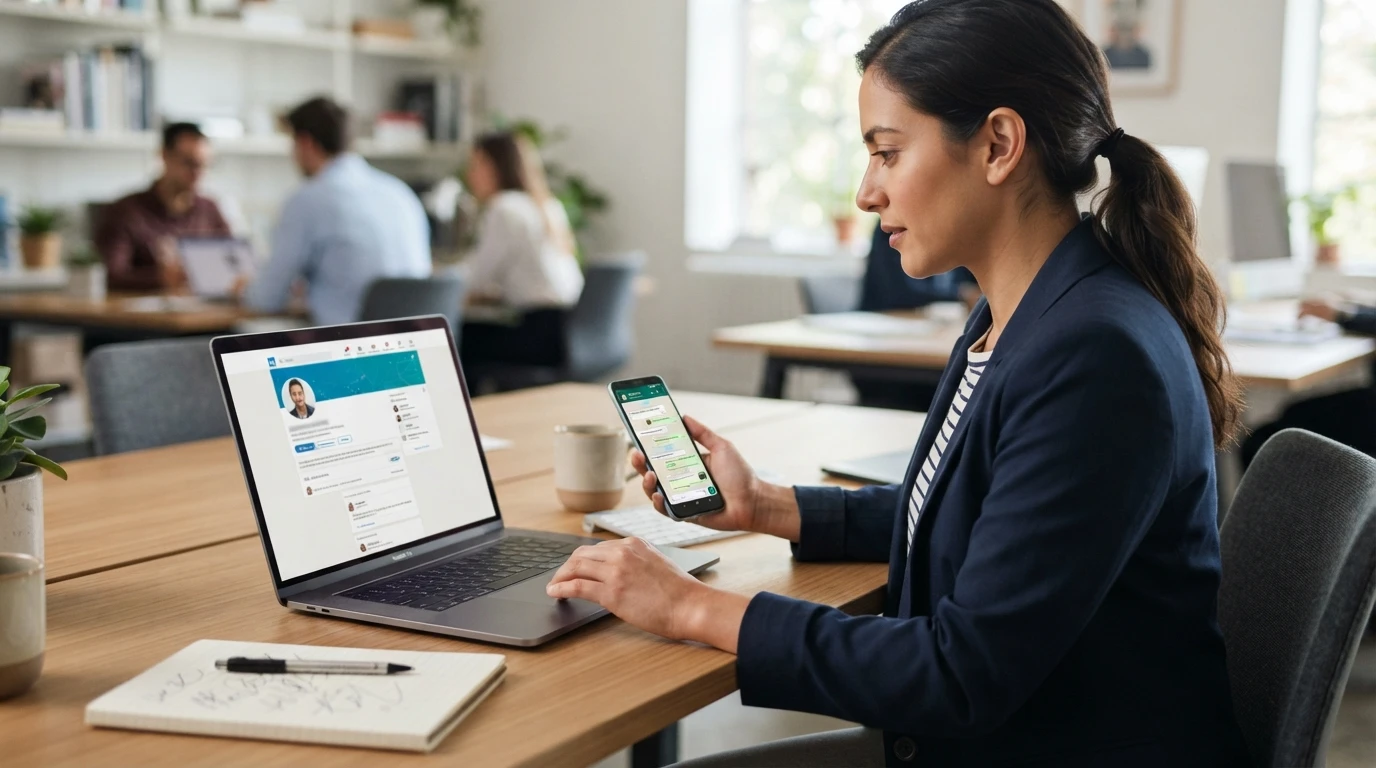
Touch the prospect before your WhatsApp message lands. Day 1, connect on LinkedIn or send a short email. Day 2, like or comment on their page. Day 3, message on WhatsApp. A familiar name doubles the chance your first message gets read instead of ignored, and it keeps your number off spam radars.
The Three-Line Message Structure That Works
Keep the first message to three lines:
- Who you are and why them: "Hi Meera, I run a cleaning crew in Baner."
- Specific value: "We clean offices after 7 pm, so nothing disturbs your team."
- Low-effort ask: "Want a free quote for your HSR Layout clinic this week?"
No attachments, no links, no pitch deck on first contact. Ask one clear question so replying takes one tap.
Volume Ramp, Follow-Ups and Stop Rules
A new number is safe at roughly 20-30 messages per day for the first two weeks, then add 10-15 daily. Follow up once after 48 hours, once after a week, then stop. Track replies and bookings in a WhatsApp outreach CRM pipeline so you see which message line earns the booking. AgentSDR's sequence builder handles the timing while humans approve each reply.
Step 4: Log Replies, Book Jobs and Review Performance
Move Every Reply Into a Tracked Pipeline
A reply in WhatsApp is useless if it dies in the inbox. Log each response in your CRM pipeline tracking the same day, with stages like "replied", "quoted", "booked" and "paid". Tag which channel and message triggered the reply so you know what works. AgentSDR classifies replies automatically and prepares human-reviewed responses, keeping attribution clean.
Review Weekly and Fix the Weakest Step
Every Friday, check three numbers: reply rate, booking rate and revenue per booked job. Compare them across your email, LinkedIn and WhatsApp steps. If replies are fine but jobs stall at quoting, tighten your pricing message or follow-up timing. Fix one weak step per week, then measure again.
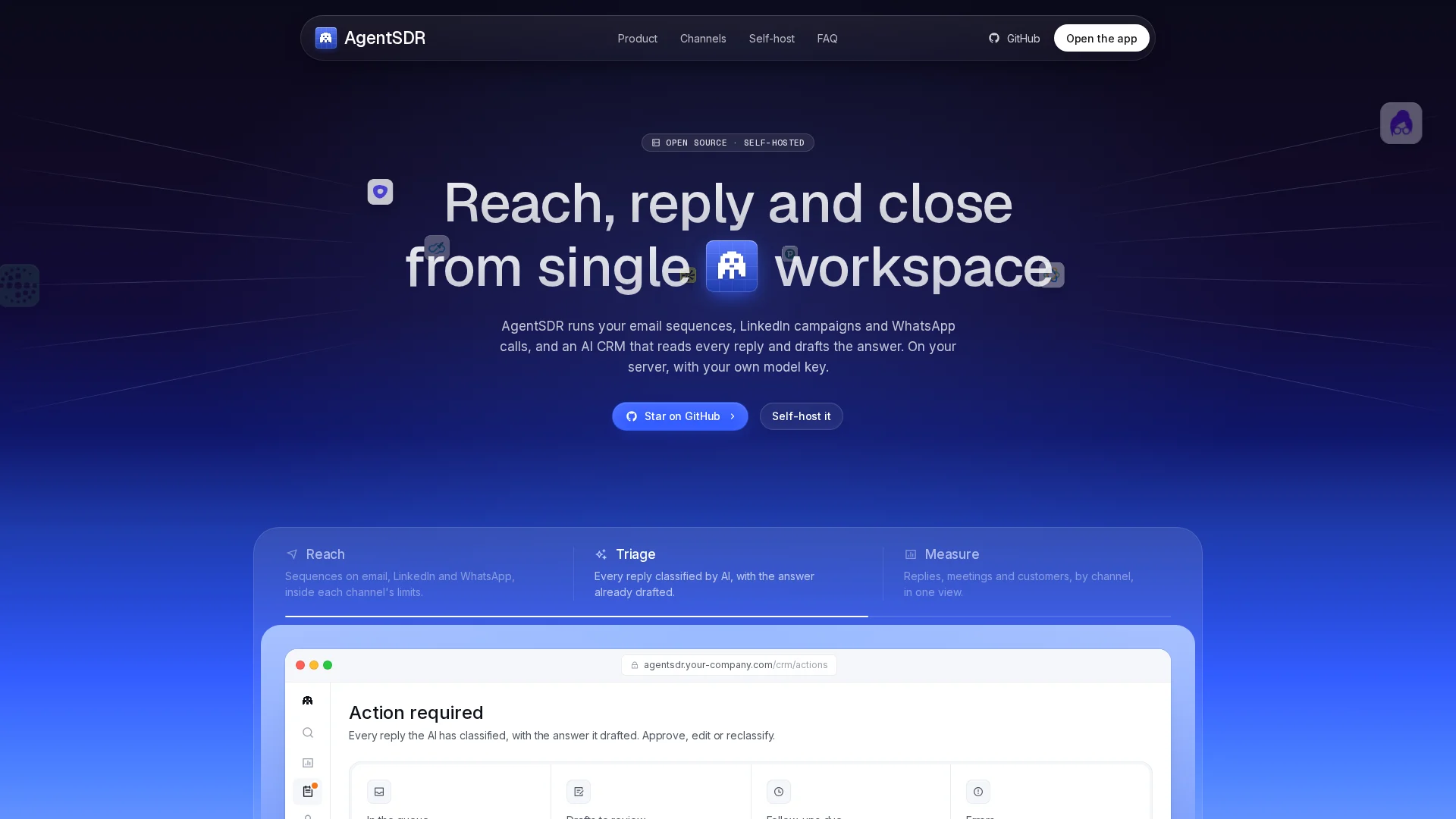
Ready to run WhatsApp outreach that scales past 256 contacts? AgentSDR brings sequences, calls and CRM into one workspace. Set up your first sequence free.
Frequently Asked Questions
Q1: How do local businesses run WhatsApp sales outreach?
Warm up prospects on email or LinkedIn first, send a three-line WhatsApp message with one clear ask, then log every reply in a CRM pipeline. Keep messages opt-in and human-reviewed.
Q2: Should I use WhatsApp Business App or the API?
The App handles small lists and one-to-one replies. The API suits teams running sequences past 256 contacts with template approval and CRM tracking.
Q3: How many WhatsApp messages can I safely send per day?
Start at 20-30 daily for two weeks, then add 10-15. Follow up once after 48 hours and once after a week, then stop.
Conclusion
Compliance first: get opt-in, pick the App or API by list size, then warm up prospects on email or LinkedIn before WhatsApp. Send a three-line message, ramp volume slowly, and log every reply in a CRM pipeline. Review reply and booking rates weekly, fix the weakest step, and repeat.