SuiteCRM vs Odoo: Best CRM for Sales Customization

Quick Summary: SuiteCRM offers deep, code-level control for teams with PHP developers, while Odoo provides a modular, integrated ERP experience for businesses needing unified workflows. Both platforms require significant technical resources for advanced customization. For teams seeking open-source control without the heavy developer overhead of these legacy systems, AgentSDR offers a more streamlined, AI-powered alternative.
SuiteCRM gives you control over core code; Odoo gives you modular, process-first design. Both promise a flexible sales pipeline CRM, but fast-growing B2B teams often outgrow standard workflows and need custom stages and triggers. We compare what it actually takes to build each sales pipeline CRM, so your choice matches your engineering resources.
SuiteCRM vs Odoo: Pipeline Customization at a Glance
| SuiteCRM | Odoo | |
|---|---|---|
| Primary Architecture | PHP/LAMP Stack | Python/PostgreSQL |
| Pipeline Customization Method | Module builder and manual code editing | Studio app and modular Python extensions |
| Learning Curve | High | Moderate |
| Best For | Teams with internal PHP developers | Companies seeking integrated business process automation |
How SuiteCRM and Odoo Compare
SuiteCRM
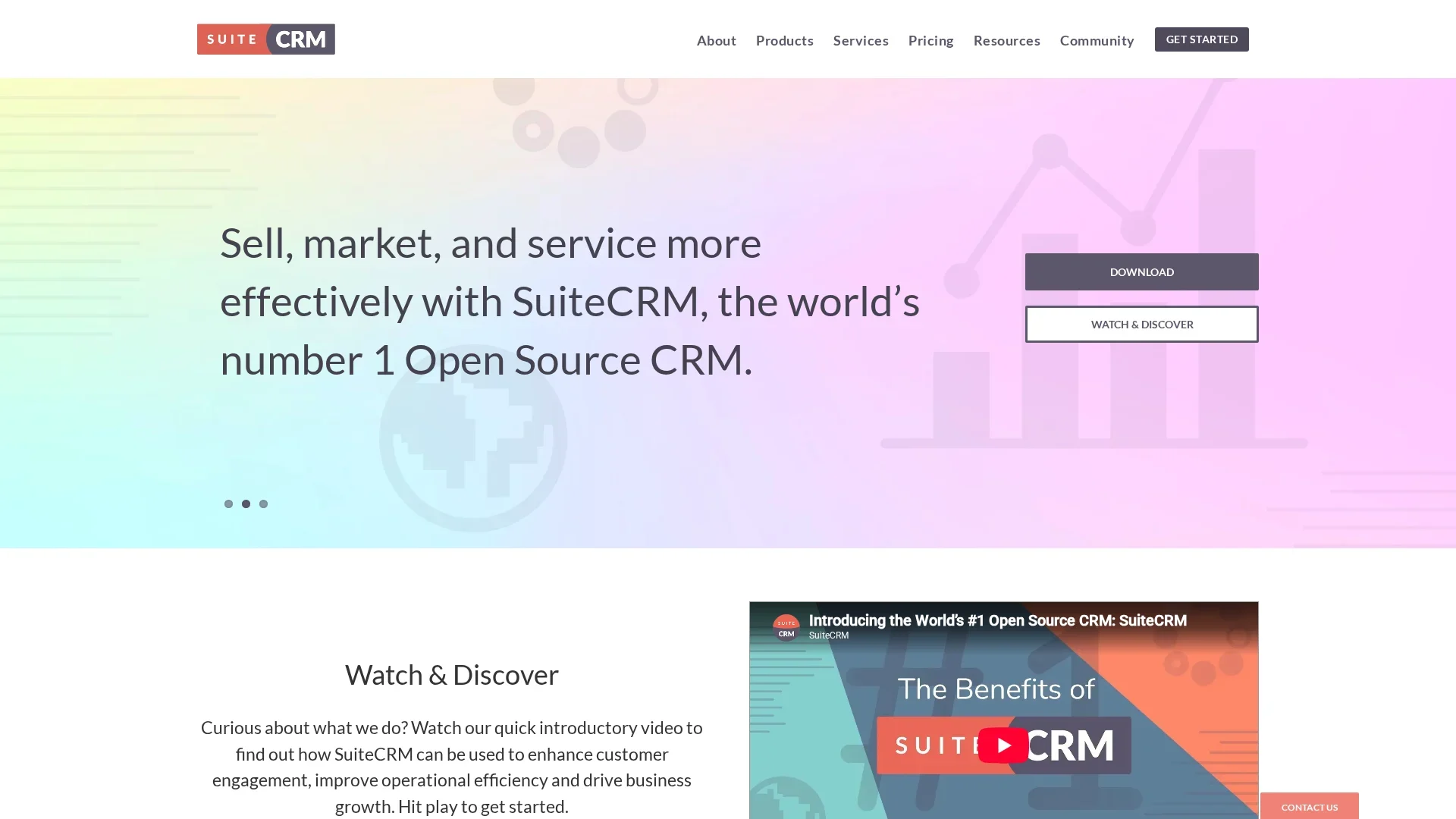
SuiteCRM is a legacy-focused open source CRM built on the PHP/LAMP stack. It suits teams that want deep technical control over their sales pipeline CRM and have internal PHP developers to maintain it. Customization happens through the module builder and manual code editing, so the learning curve is high.
Key strengths
- Module builder plus direct code access for unlimited customization
- Open source with full self-hosting control
Odoo
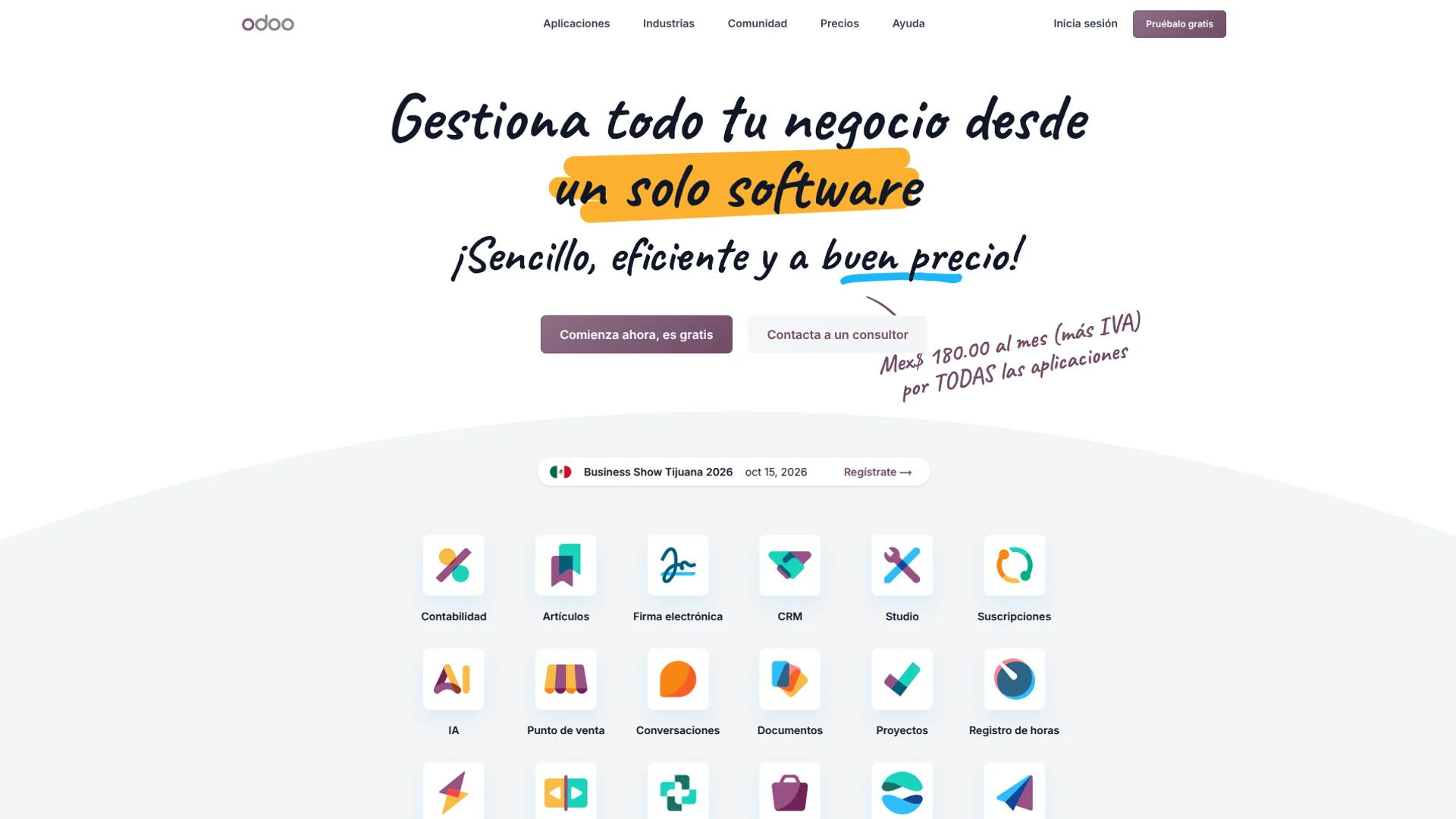
Odoo is a modular ERP-style CRM that treats sales as part of an integrated business process. It fits companies that want pipeline, invoicing, and inventory connected in one system, powered by Python and PostgreSQL. The Studio app and modular extensions make customization faster, with a moderate learning curve.
Key strengths
- Studio app for no-code pipeline changes
- Integrates sales pipeline CRM data with the rest of the business
Architectural Approach to Pipeline Logic
How a CRM handles pipeline customization comes down to one question: can you change the logic, or only the labels? SuiteCRM and Odoo answer that differently.
Traditional Extensibility
SuiteCRM builds on the older SugarCRM codebase. You get Studio for basic field and layout edits, but anything deeper means PHP development. Changing a stage's behavior often requires a logic hook - custom code that fires on save. That works, yet every upgrade risks breaking your patches, so maintenance cost grows with each tweak.
Modular Framework Logic
Odoo treats pipeline stages as data in a Python-driven module system. You override methods instead of patching files, and Odoo Studio covers simple changes without code. The trade-off: you inherit the whole Odoo ecosystem, and its CRM module can't be customized in isolation. It's cleaner engineering, but heavier to own. Teams wanting modular pipeline control without the ERP stack can look at open-source alternatives such as AgentSDR's open-source CRM platforms guide.

Configuration versus Hard-Code Customization
The Studio App Advantage
Most pipeline changes should not involve a developer. SuiteCRM ships with Studio, an admin tool that lets you add fields, edit labels, and rearrange List, Edit, Detail, and Search layouts for any module without touching code. Odoo offers a similar drag-and-drop builder in Odoo Studio, though it sits behind higher-priced plans.
The dividing line is simple. Configuration covers anything you can change from the admin panel: new fields, required checks, dropdown values, layout order. Hard-code work begins when you need custom logic, like trigger-based scoring or multi-object workflows.
| Change | SuiteCRM | Odoo |
|---|---|---|
| Add custom fields | Studio, no code | Studio, paid plans |
| Rearrange layouts | Drag and drop | Drag and drop |
| Custom sales logic | Code (PHP) | Code (Python) |
| Upgrade safety | Keep changes separate | Risk in custom modules |
SuiteCRM's custom fields live in separate tables, so upgrades rarely break them. Odoo customizations can clash with module updates, so plan developer time either way.
Which Should You Choose: SuiteCRM or Odoo?
Pick SuiteCRM if sales customization is your main goal and you have a developer on call. Pick Odoo if you want CRM, invoicing, and inventory in one system and can absorb higher setup costs. Small teams without dev resources often get more value from a lighter platform like AgentSDR's open-source CRM. Match the tool to your team's skills first, then to the feature list.

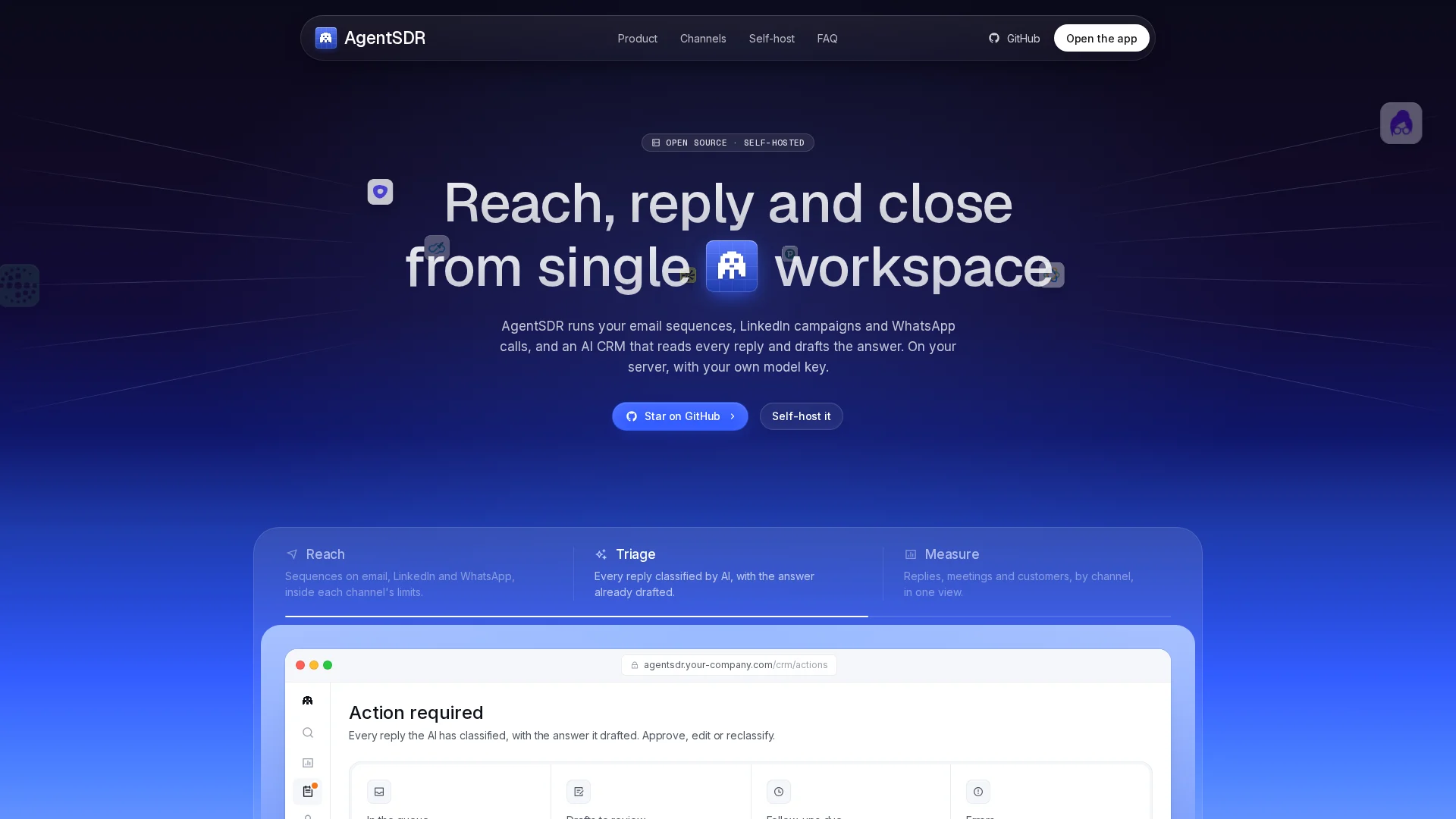
Want open-source control without months of developer work? AgentSDR gives your sales team an AI-powered CRM plus outreach in one self-hosted workspace. Try it free today.
Frequently Asked Questions
Q1: SuiteCRM vs Odoo: which CRM is easier to customize?
SuiteCRM is easier for pure CRM tweaks, using Studio and its module builder without code. Odoo needs Python development for deep changes but offers more across sales, inventory, and accounting.
Q2: Can I self-host both SuiteCRM and Odoo?
Yes. Both are open source and self-hosted. You handle updates, backups, and server costs, which suits teams wanting full data control, similar to self-hosting AgentSDR for outbound sales.
Q3: Which is cheaper for a small startup?
SuiteCRM is free with optional support plans. Odoo's Community edition is free, but key sales features sit in paid tiers, so costs rise as your team scales.
Q4: Do I need a developer to customize pipelines?
SuiteCRM Studio covers most pipeline changes without code. Odoo usually requires a developer or partner for custom sales stages, automation, and fields beyond basic settings.
Final Thoughts on Pipeline Flexibility
SuiteCRM suits teams needing deep code-level control. Odoo wins when sales shares workflows with finance and stock. If you want open-source speed without developer overhead, AgentSDR fits better.