Reply Classification Tools That Route Replies Faster
Quick Summary: Reply classification software turns incoming replies into labels, then routes each one to the right rep or action within minutes, protecting reply-to-meeting conversion. Evaluate tools with 50 to 100 real replies, aiming for 90%+ accuracy, routing in under five minutes, and accurate CRM write-back. AgentSDR supports editable routing, multichannel coverage, and human approval, but labels and rules still need monthly review as buyer intents change.
Send 500 emails and get 60 replies, then watch two reps debate whether one is a genuine buyer while the deal cools for a day. That lag kills pipeline before any report shows it. Reply classification software fixes this by tagging each reply and routing it instantly. This guide covers how the routing layer works, what good lead routing rules look like, and a test to compare reply classification software objectively.
What Reply Classification Software Does to Routing
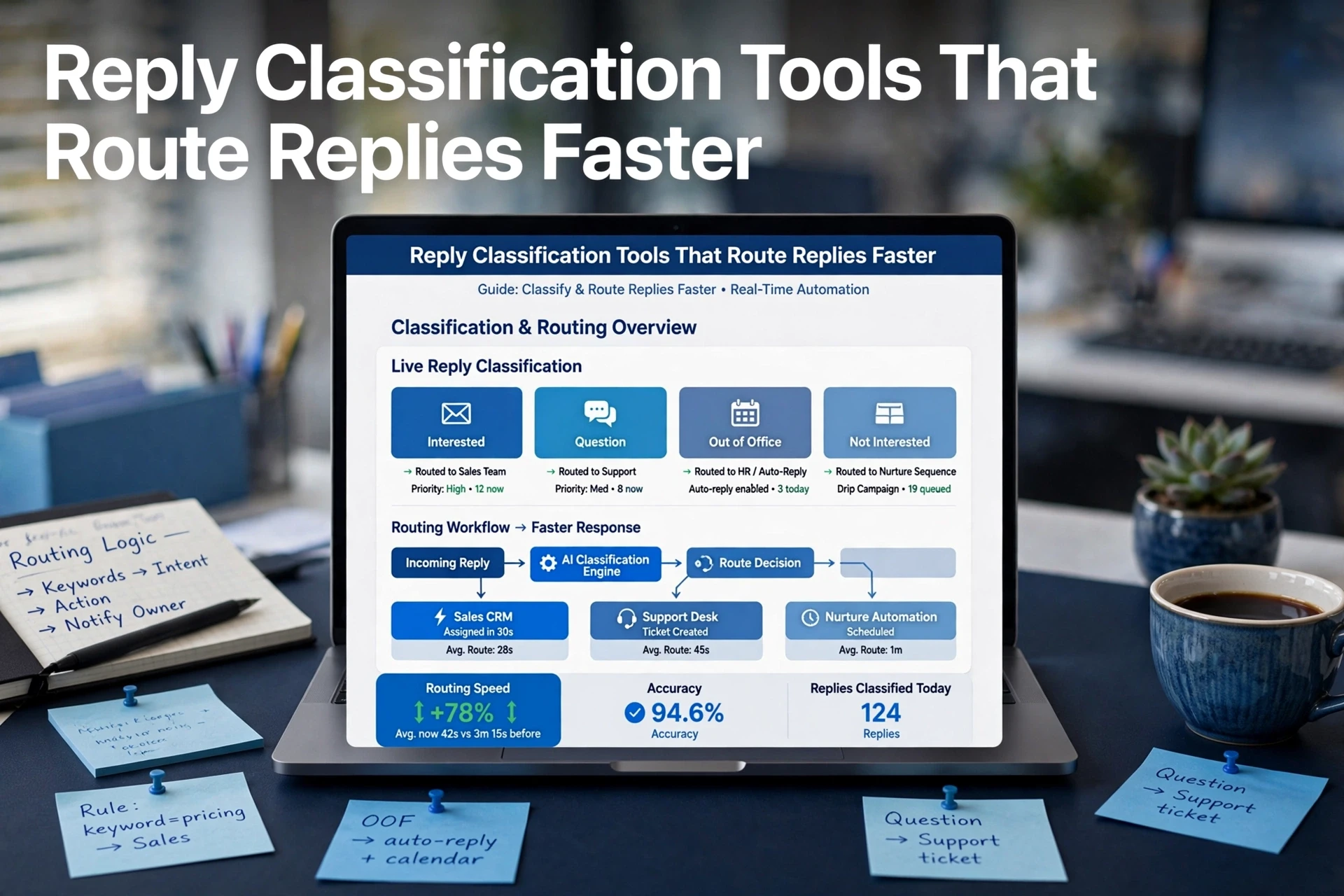
Reply classification software speeds up routing in four steps:
- Read the incoming reply and detect intent (interested, not now, referral, unsubscribe).
- Tag it with a category your team defines.
- Match that tag to lead routing rules.
- Assign the reply to a rep or action within seconds.
The classifier is only useful if step four fires fast and correctly.

From Label to Action: What Happens After Classification
A label called interested means nothing until it triggers an action: book a slot, notify the rep in Slack, or write the update back to the CRM. Good tools chain these steps automatically. Platforms like AgentSDR add a human in the loop, so AI drafts and routes while a rep approves the message.
Why Routing Latency Decides Reply-to-Meeting Conversion
Buyers reply when intent is hot. Research on response speed consistently shows that contacting a lead within minutes beats waiting hours, and the same logic applies to handling their reply. If a positive reply sits in a shared inbox for a day, the meeting often goes to whoever answers first. Fast routing protects reply-to-meeting conversion; slow triage quietly kills it.
Capabilities That Actually Shorten Time-to-Owner
Configurable Taxonomy and Label Accuracy
Route on labels that match a specific action. Most teams need:
- Interested - stop the sequence, alert the owner
- Referral - route to the named contact
- Out of office - schedule a follow-up date
- Not now - move to a nurture list
- Unsubscribe - suppress immediately
- Unclear - flag for human review
Make the taxonomy editable, because a tool with fixed labels cannot match how your reps think. ReplyLead's routing guidance warns against silently counting uncertain replies as wins.
Owner Assignment, Round-Robin and Escalation Rules
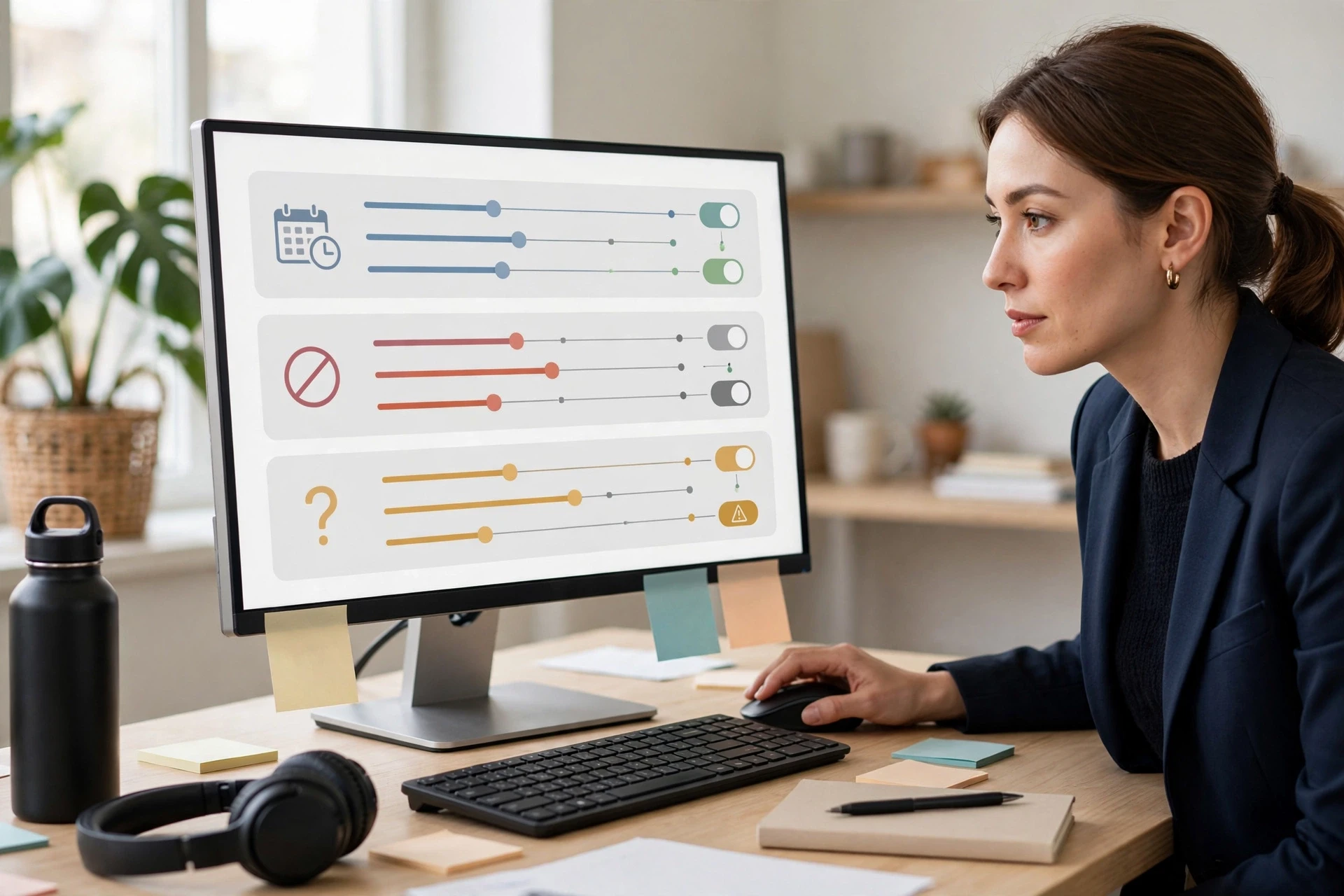
Once a reply has a label, the tool should assign an owner instantly. Look for lead routing rules that support round-robin assignment by territory or account, plus escalation when nobody claims the reply within a set time. Speed-to-lead research shows faster replies convert far better.
CRM Write-Back and Multichannel Coverage
The routing layer must write the label, owner and next step back to your CRM, or reps work from stale records. Coverage matters too: LinkedIn and WhatsApp replies deserve the same tagging as email. A self-hosted sales platform handles this while keeping reply data in your control.
How to Evaluate Reply Classification Tools in One Afternoon
Run one test: a labelled sample, three scored criteria, a decision. That is how to evaluate reply classification software before buying.
Build a Labelled Reply Sample From Your Own Sequences
Pull 50-100 recent replies and tag each one yourself: interested, not now, referral, out of office, unsubscribe. Real replies beat demo data because vendor samples hide edge cases like multi-question replies. Run every reply through the tool and note where the labels disagree.
Score Accuracy, Routing Outcome and Write-Back
Grade each tool on a simple sheet:
| Criterion | What to Check | Pass Mark |
|---|---|---|
| Accuracy | Labels matching yours | 90%+ |
| Routing outcome | Lead lands with the right rep fast | Under 5 minutes |
| CRM write-back | Status and tags sync correctly | No manual edits |
Tools that stop at tagging skip the hard part. Check how a platform handles lead routing rules and CRM write-back when you compare, since a self-hosted setup keeps that data in your control.
Routing Rules That Break After Launch
Taxonomy Drift and Unmaintained Label Rules
Labels rot. Prospects invent new intents like "raised funding" or "wrong contact, try my partner," and your rule set has no bucket for them, so those replies fall through unmatched. Review tagged samples monthly, retire labels nobody routes to, and add buckets for repeated new intents. Clean input keeps email reply tagging accurate long after launch.
Keeping a Human in the Loop on Strategic Accounts
Apply stricter rules to enterprise accounts. For anything above your deal-size threshold, route every reply to a named owner instead of round robin assignment, and require a quick human review before any automated send goes out. When you self-host, you can also edit routing logic directly instead of filing a support ticket, so changes ship in hours rather than weeks.
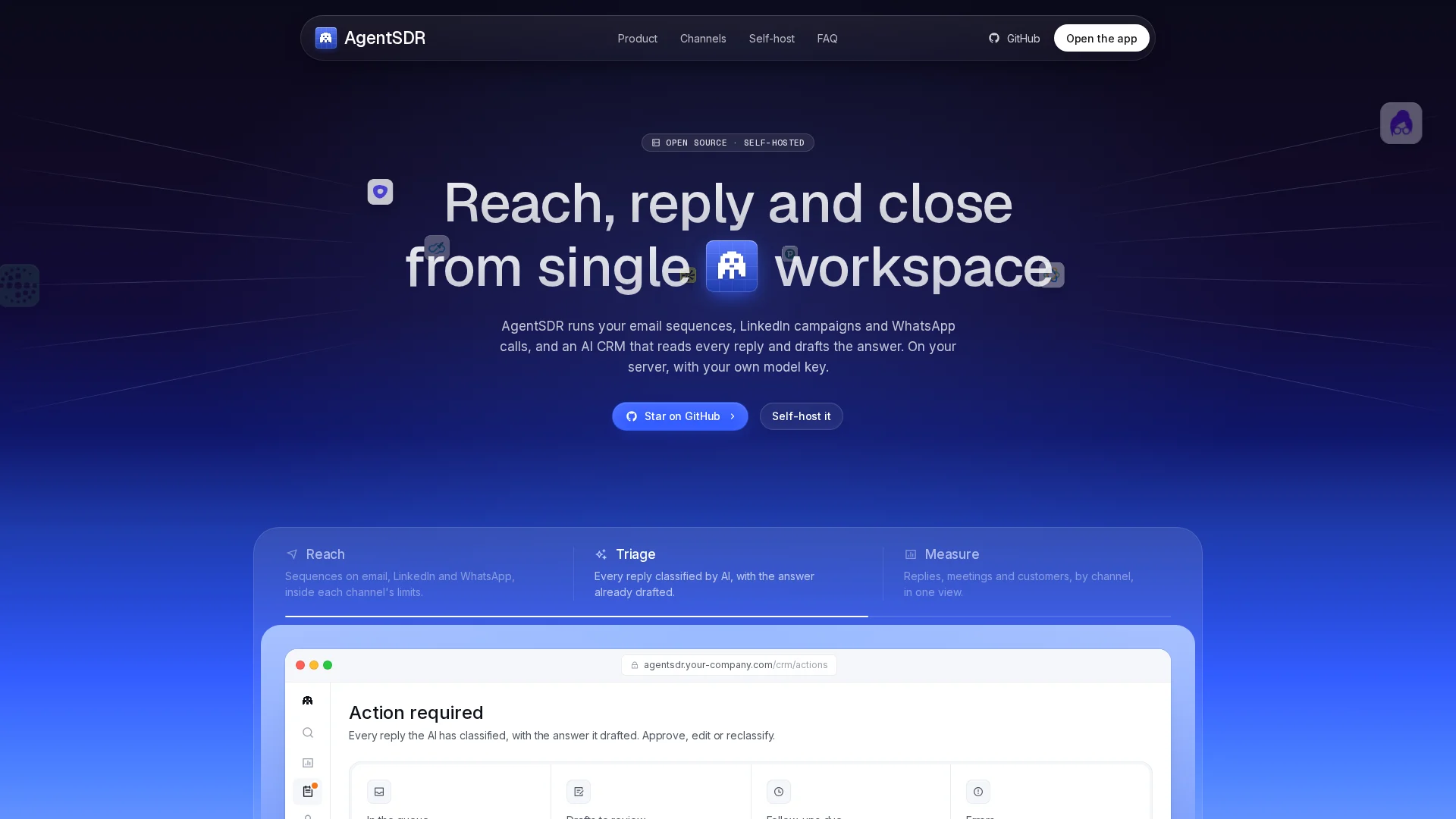
Stop letting good replies sit for a day. Test AgentSDR with your tagged sample and see if hot leads reach the right rep in minutes, not hours.
Frequently Asked Questions
Q1: How does reply classification software speed up sales engagement routing?
It reads each reply, tags intent, matches that tag to your lead routing rules, and assigns an owner within seconds. Fast routing protects reply-to-meeting conversion instead of letting replies sit in a shared inbox.
Q2: How many labels should our reply taxonomy include?
Six usually covers it: interested, not now, referral, out of office, unsubscribe, and unclear. Keep the list editable so new intents get a bucket before replies fall through unmatched.
Q3: Do these tools handle LinkedIn and WhatsApp replies, or only email?
Good ones do multichannel reply handling. Check this in your labelled test, since a tool that tags email well but ignores LinkedIn messages leaves half your pipeline untriaged.
Q4: What routing accuracy should we accept before buying?
Aim for 90%+ label accuracy, routing in under five minutes, and CRM write-back that needs no manual edits. Anything less means reps will re-check work, which slows the whole loop.
Conclusion
Reply classification software only pays off when routing fires fast: accurate labels, instant owner assignment, and clean CRM write-back. Run your labelled-reply test, watch the routing outcomes, and pick the tool that turns tags into meetings.