How to Run Sales Outreach on an Open Source CRM Stack
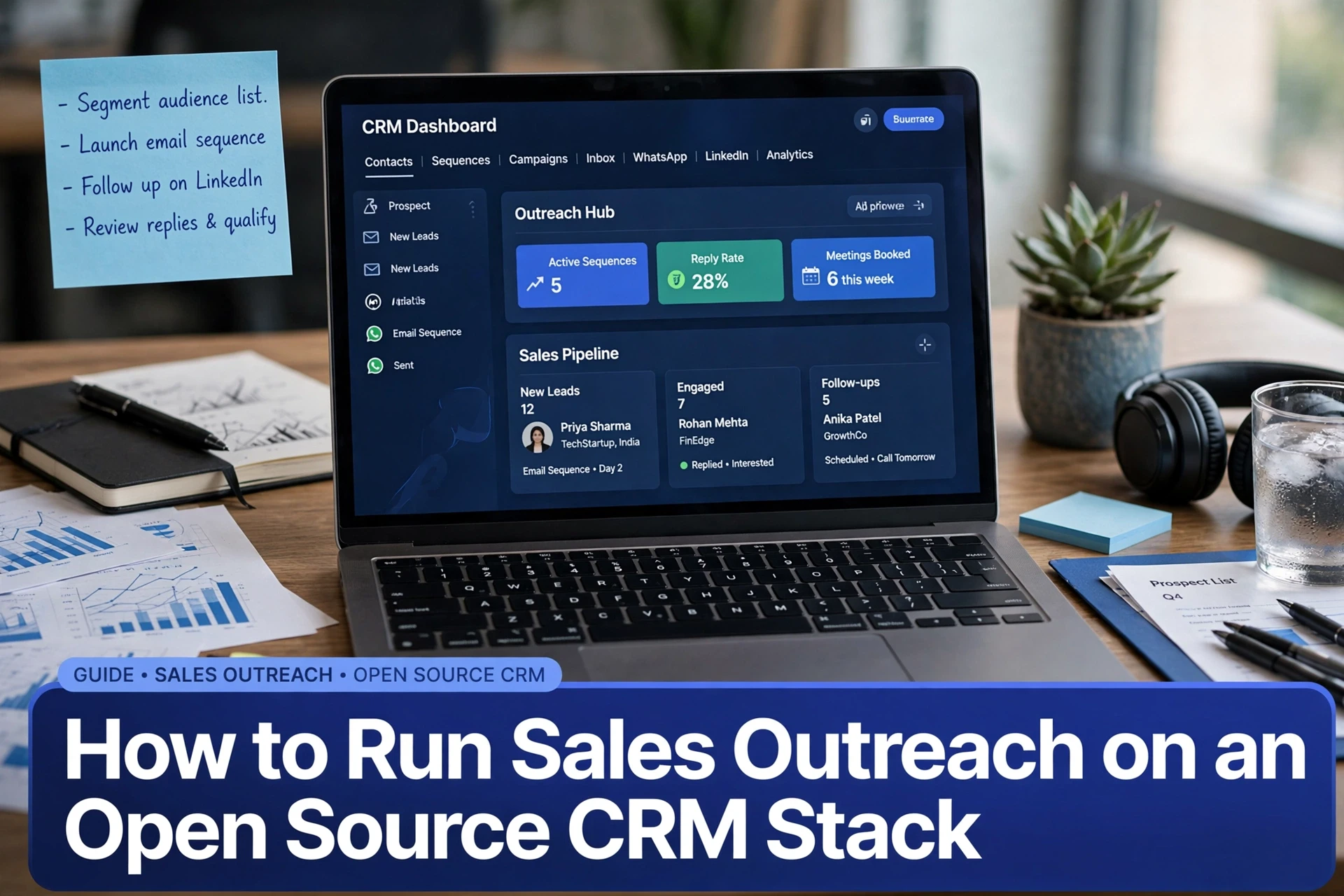
Quick Summary: A reliable open source outbound stack needs four connected pieces: a deployed CRM, a prospect-grade data model, properly warmed sending domains, and automatic write-back of every reply and touch. Model accounts, contacts, deals, ICP segments, and campaign fields in Twenty CRM, then connect an engagement layer through its API or webhooks. AgentSDR can run email and LinkedIn sequences self-hosted while keeping prospect and engagement data tied to the CRM.
You run sales outreach on an open source CRM stack by deploying the CRM with its backing services, building a prospect-grade data model, wiring sending domains with proper warm-up, then writing every reply and touch back into the CRM. Most teams treat self-hosting and outbound as two separate projects. By week three, sequences send from a cold mailbox, the prospect list lives in a spreadsheet, and nobody can trace a reply to its campaign. This guide closes that gap, from open source CRM setup to engagement tracking, including where a self-hosted layer like AgentSDR fits.
Step 1: Deploy the CRM Core and Verify It Is Usable
Choosing the CRM core and its backing services
For a clean open source CRM setup, you need at least 2GB of RAM, a 2 vCPU server, Docker and Docker Compose, and a domain with HTTPS. Most prospecting teams pick Twenty CRM because its modern data model suits pipeline work. Its Docker Compose stack ships four containers: server, worker, PostgreSQL 16 and Redis.

on one server box)
Install, environment variables and first login
Clone the repo, copy .env.example to .env, then set SERVER_URL, database credentials and a VERSION tag. Run docker compose up -d, create your workspace account, and log in. The full setup takes about 15 minutes on a fresh server, following the official install guide.
Health checks before any campaign runs
Before connecting any outbound tool, confirm the basics. Check docker compose ps shows all four containers healthy, verify Redis responds to ping, and create one test contact. If a pipeline stage saves cleanly, your core is ready.
Step 2: Model the Outbound Pipeline in the CRM Schema
Outbound tracking starts with the right objects and fields. Get this wrong and every report downstream is guesswork.
Objects, relationships and deduplication keys
Most CRMs ship four core objects: Accounts (companies), Contacts (people), Deals (opportunities) and Activities (calls, emails, notes). Link each Contact to one Account, and each Deal to both. Deduplicate on the contact's email address and the account's website domain, so two imports of the same list never create twins.
| Object | Deduplication key | Why it matters |
|---|---|---|
| Contact | Email address | One person, one sequence |
| Account | Website domain | Merges company duplicates |
| Deal | Contact plus stage | Keeps pipeline counts honest |
Custom fields that make outbound reporting possible
Add fields the default schema lacks: lead source, sequence name, sequence step, reply sentiment, last touch date and ICP fit score. Without them you cannot answer "which sequence books meetings?" Every engagement write-back from your sending layer lands in these fields.
Stages, lists and segments built from your ICP
Define pipeline stages that match reality: New, Engaged, Replied, Meeting Booked, Closed. Then build saved lists per segment, for example "Series A SaaS founders in India" or "marketing agencies under 50 staff". Segments driven by your ideal customer profile keep each sequence message relevant and reply rates measurable.
Step 3: Connect Outreach Channels and Write Engagement Back
Connecting a sending layer to the CRM API
Your CRM holds prospects, not mailboxes. Point an engagement tool at the CRM API so sequences read contacts and post replies, opens and bounces straight back. Most tools offer webhooks or a REST endpoint for this. AgentSDR does this within one workspace, so no glue code is needed.
Email deliverability, domain setup and warm-up
How do you set up email deliverability for cold outreach sending domains? Before sending a single email:
- Buy a separate domain, never mail from your main one
- Add SPF and DKIM records, then DMARC with a
p=nonepolicy - Point the domain at dedicated sending IP space or a reputable provider
- Warm mailboxes for 2-3 weeks, starting at 10-15 emails per day
Multichannel cadence across email, LinkedIn and WhatsApp
Email alone gets ignored. Layer channels: day 1 email, day 3 LinkedIn view and connect, day 6 WhatsApp or call touch, day 9 follow-up email. Space touches at least 48 hours apart. Tools like Lemlist or Smartlead cover email, while HeyReach handles LinkedIn; a self-hosted stack keeps both under your own domain and data rules. Log every touch as a CRM activity so reps see full context before replying.
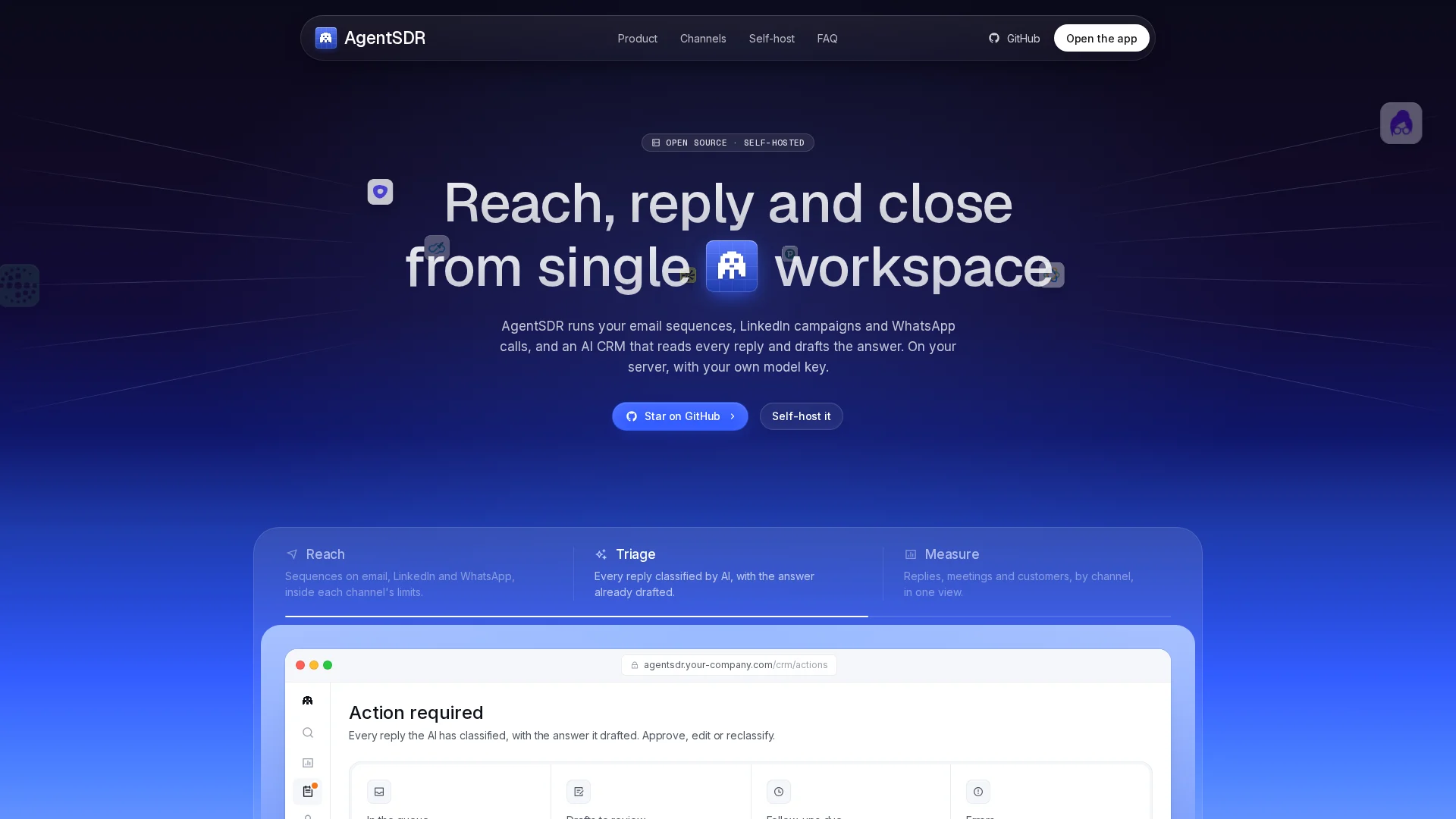
Your open source CRM stack is ready, so add the outbound layer. AgentSDR runs your email sequences, LinkedIn touches and reply tracking self-hosted. Start with one segment this week.
Frequently Asked Questions
Q1: How do you run sales outreach on an open source CRM stack?
Deploy the CRM with PostgreSQL and Redis, model contacts and pipeline stages, warm a separate sending domain, then write every reply and touch back into the CRM.
Q2: Do I need a sales engagement tool alongside an open source CRM?
Yes. The CRM holds prospects, not mailboxes. An engagement layer sends sequences and posts replies back via API or webhooks.
Q3: How long should I warm up new sending domains?
Warm mailboxes for 2-3 weeks, starting at 10-15 emails per day before real campaigns.
Conclusion
An open source CRM stack works for outbound when four pieces hold together: a deployed core, a prospect-grade data model, warmed sending domains, and engagement written back automatically. Check the CRM, schema and deliverability before campaigns. Then run one segment end to end before scaling.