ERPNext Review: Open Source CRM for Sales Teams
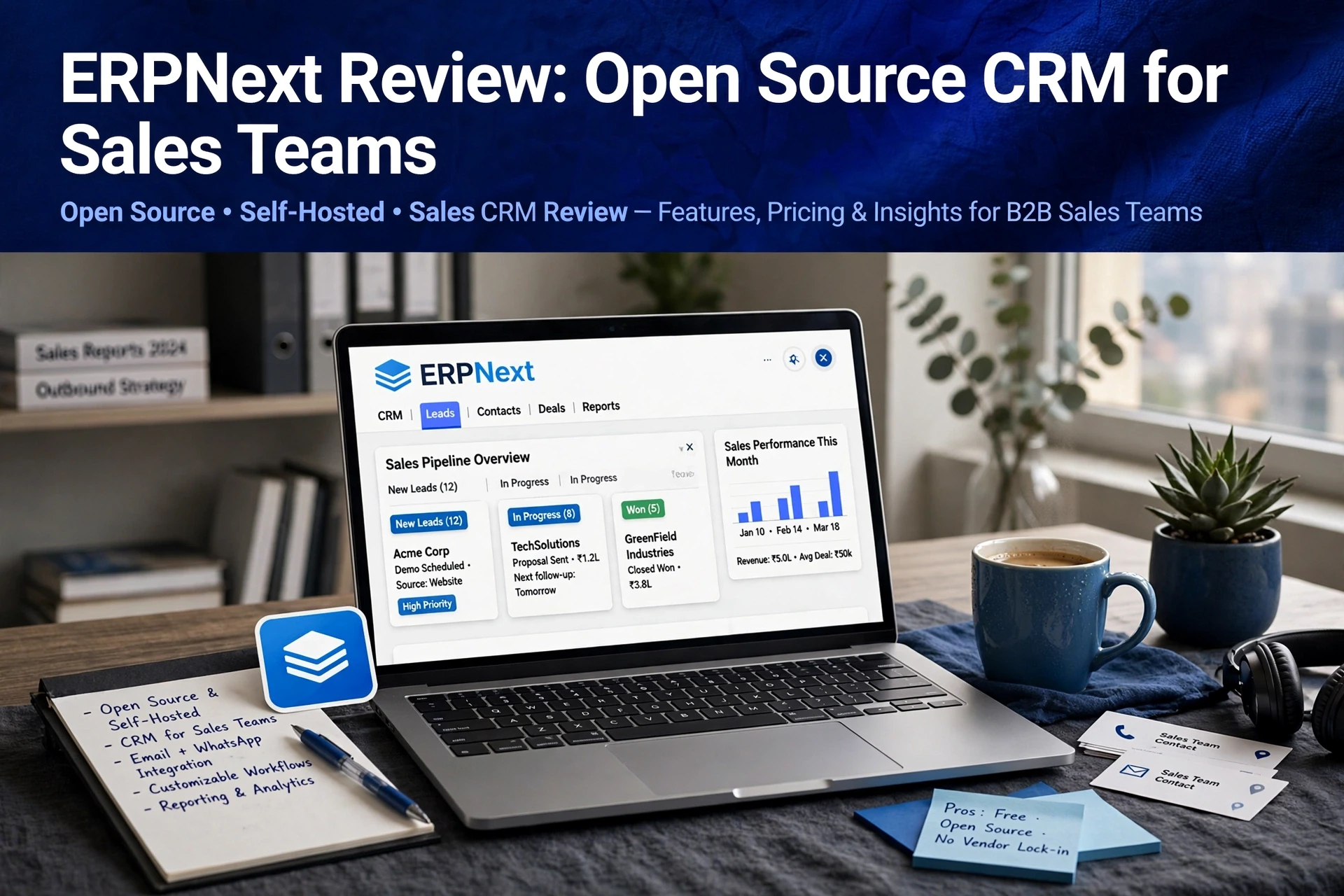
Quick Summary: ERPNext is a good fit for small teams that need free lead tracking, customizable pipelines, and traceability from lead to invoice, but it is not a strong standalone outbound sales platform. Its campaigns lack reply-aware drip sequences, inbox rotation, throttling, and round-robin lead assignment, while setup can take days. Teams already using ERPNext should keep it for operations and pair it with a dedicated prospecting tool such as AgentSDR, while sales-only teams should consider the lighter Frappe CRM, with hosting starting around $10 per month.
ERPNext CRM can handle lead records and campaign logs for a two-person SDR team on a free self-hosted instance. Tracking is where it shines. The moment you need multi-step cold email sequences with deliverability controls, it stops answering the question. This review isolates the CRM side of ERPNext, not the full ERP suite, and weighs where it fits outbound sales and where it breaks. We base it on vendor documentation, Frappe community reports and hands-on hosting math, so you can judge fit before you migrate.
Lead Tracking and Pipeline Management in ERPNext
Short answer: yes. ERPNext CRM handles lead tracking and pipeline basics well for a small team, covering lead capture, qualification, opportunity stages, and lead to invoice traceability. What it does not do is run the outbound itself; sequences and campaign work still belong in a separate tool, such as the open source CRM platforms built for sales teams.
From Lead Record to Closed Deal
Every record starts as a Lead. You qualify it, convert it to an Opportunity, then track deal stages through quotation, sales order, and invoice. Because ERPNext links all of these documents, revenue teams keep one audit trail per deal. Its sales pipeline setup lets you customize stages to match your sales cycle, so pipeline reporting reflects how your team actually sells.
Assigning and Routing Leads on a Small Team
Lead assignment is simple: managers use lead sources, status fields, and notes to route records, and each lead carries a source and campaign tag for basic attribution. There is no built-in round-robin auto-assignment, so small teams usually assign manually or write a small script. For teams weighing ERPNext CRM against alternatives, that manual routing is the main friction point.
Outbound Email and Campaign Capabilities
ERPNext leans on its Email Campaign and Newsletter doctypes rather than a dedicated sequencer. You build a campaign, pick a recipient list, and schedule sends. Campaigns can carry UTM parameters, so replies and clicks tie back to source in campaign reports.
There's no built-in drip logic that waits for a reply and branches. Steps send on a fixed schedule regardless of response. Warm-up, inbox rotation and per-lead throttling are absent too, which dedicated tools handle natively. ERPNext email campaigns and drip sequences work better for nurture blasts than outbound cadences; for true outbound you pair it with an engagement tool or run sequences in a platform like AgentSDR that handles reply classification.
Cost, Hosting and the Real Implementation Burden
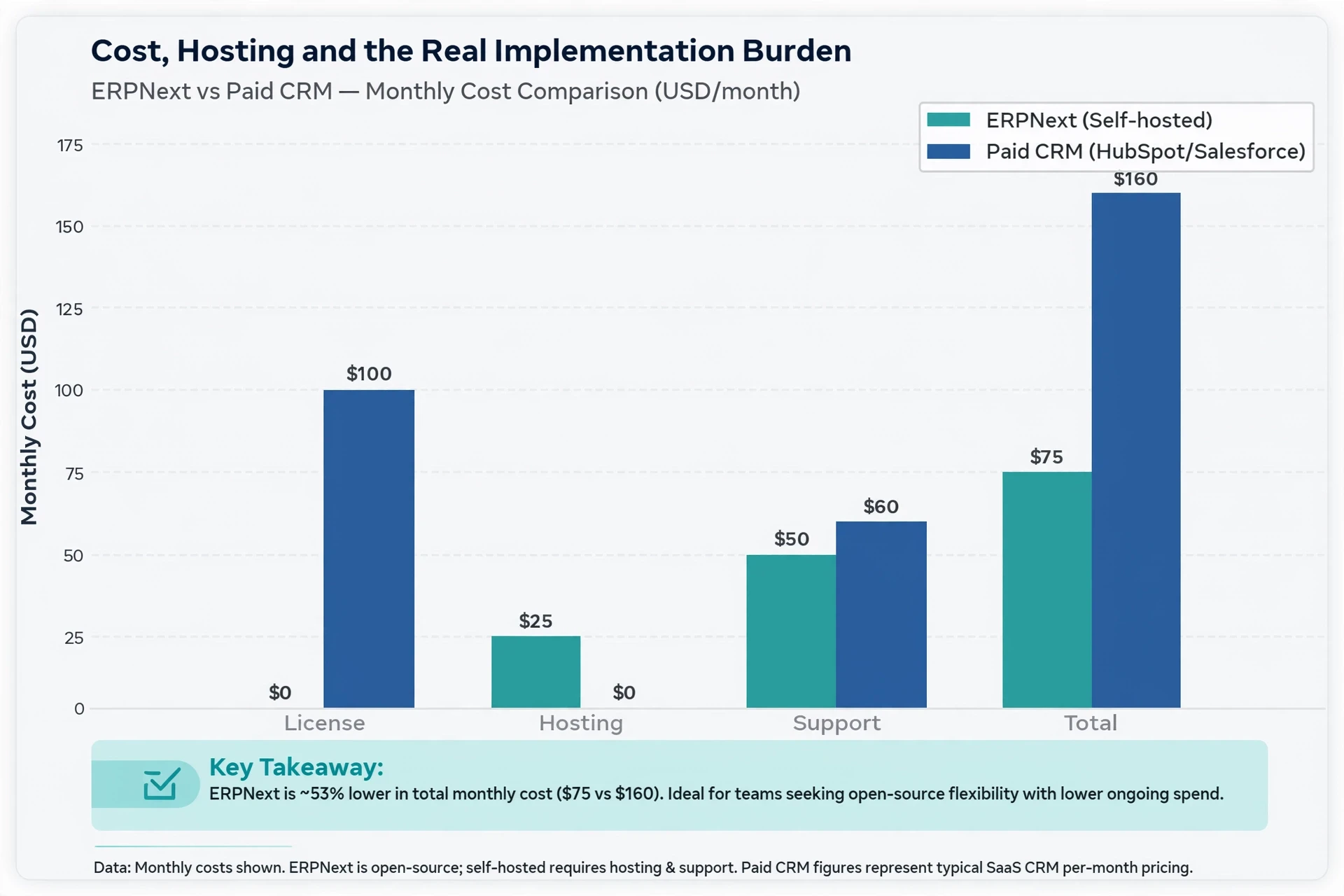
Licence, Hosting and Support Options
What does ERPNext cost? Three lines cover it:
- Licence: $0. ERPNext is free and open source under the GPLv3, with no per-user fee.
- Hosting: Self-hosting runs about $10-100/month on your own server, or Frappe Cloud managed hosting starts near $10/month.
- Support: Free community forums, or paid partners from roughly $200/month.
The Hidden Cost Is Setup Time
The licence is free. The setup is not. Expect days of work configuring roles, workflows and custom fields before an SDR can log a call. Small teams often stall on DevOps, which pushes total cost of ownership above a paid outbound tool.
Is ERPNext Worth It for a Small Sales Team?
For most small sales teams, yes, if you already run ERPNext or need lead-to-invoice traceability. If you only want a CRM, the standalone Frappe CRM is the better pick, because ERPNext dropped its built-in CRM module from v17 onward. The split looks like this:
| Focus Area | ERPNext | Frappe CRM |
|---|---|---|
| Best for | Teams needing sales plus invoicing and stock | Dedicated sales teams |
| Setup | Heavier, ERP-wide | Lighter, sales-first |
| Cost | Free licence, hosting from about $10/month | Free licence, same hosting |

Pros and Cons
Pros: zero licence fee, one database from lead to invoice, strong customization, active community. Cons: setup takes real technical effort, outbound features like sequences and email campaign attribution are thin, and admin overhead eats into a small team's time.
Who Should Choose It, and Who Should Not
Choose ERPNext if you already use it for operations and want sales data in the same system. Skip it if your team lives in outbound prospecting. Purpose-built outreach tools, including open source options like AgentSDR, handle sequences and reply handling far better than an ERP can.
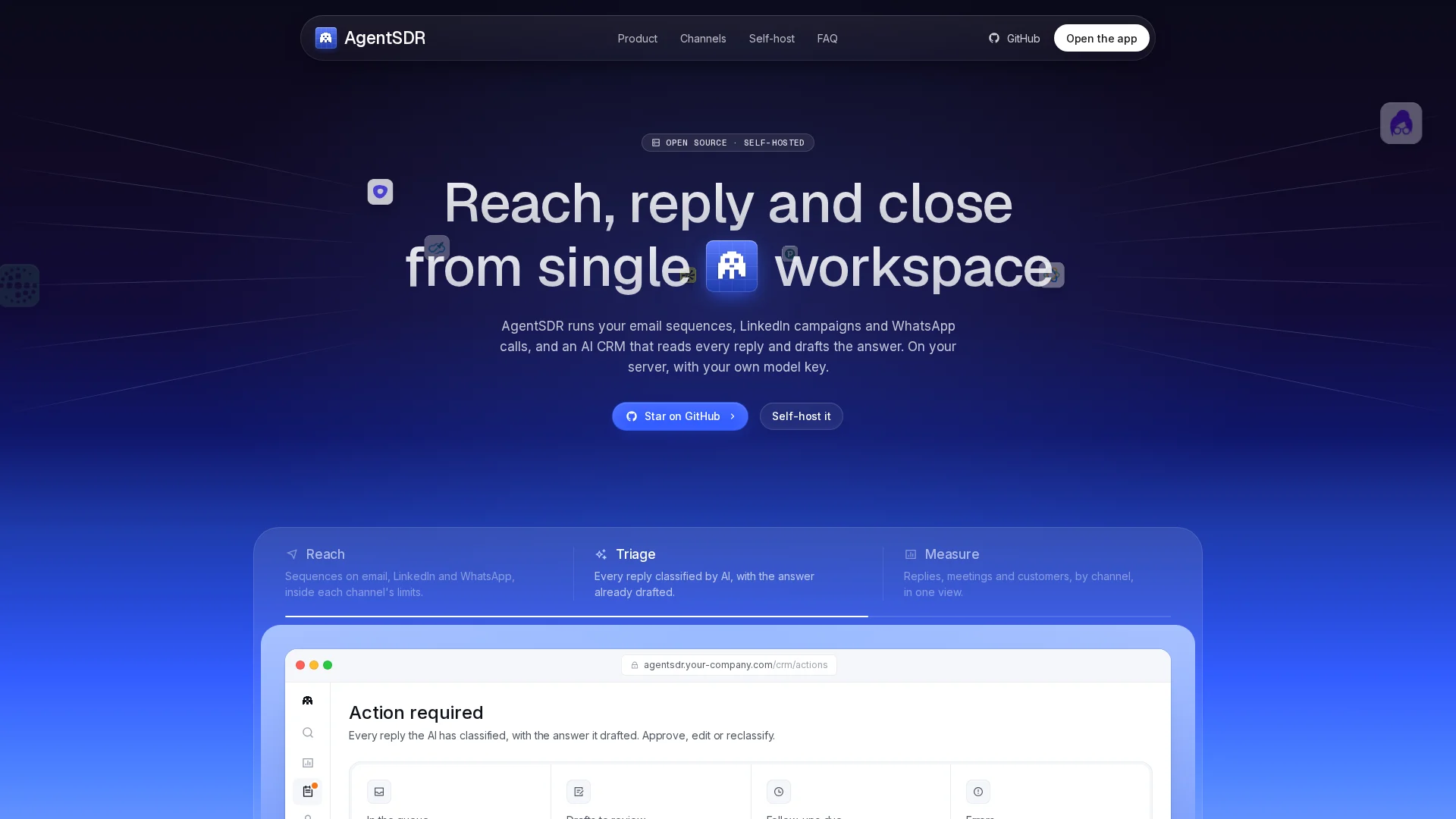
If ERPNext's lean CRM suits you, set it up on Frappe Cloud from about $10/month. If you want outbound sequences built in, try AgentSDR instead.
Frequently Asked Questions
Q1: Can ERPNext handle lead tracking and outbound sales for a small team?
Yes for tracking; no for outbound. It manages leads and pipeline well, but sequences need a separate tool.
Q2: How much does ERPNext cost?
Licence is free. Hosting runs about $10-100/month, plus setup time.
Q3: Should I choose ERPNext or Frappe CRM?
Pick Frappe CRM if you only need sales. Choose ERPNext for lead-to-invoice traceability.
Conclusion
ERPNext CRM works as a free open source CRM for small teams that need lead tracking and lead to invoice traceability. For outbound sequences and email attribution, pair it with a dedicated tool or pick one built for prospecting.